Adu O.B. — Author, Strategist & Founder Website Design And Development
Personal brand site for an author-founder, uniting his books, company, and 20 years of advisory.
Expertise
Personal Branding
Next.js Development
Editorial Design
Design System
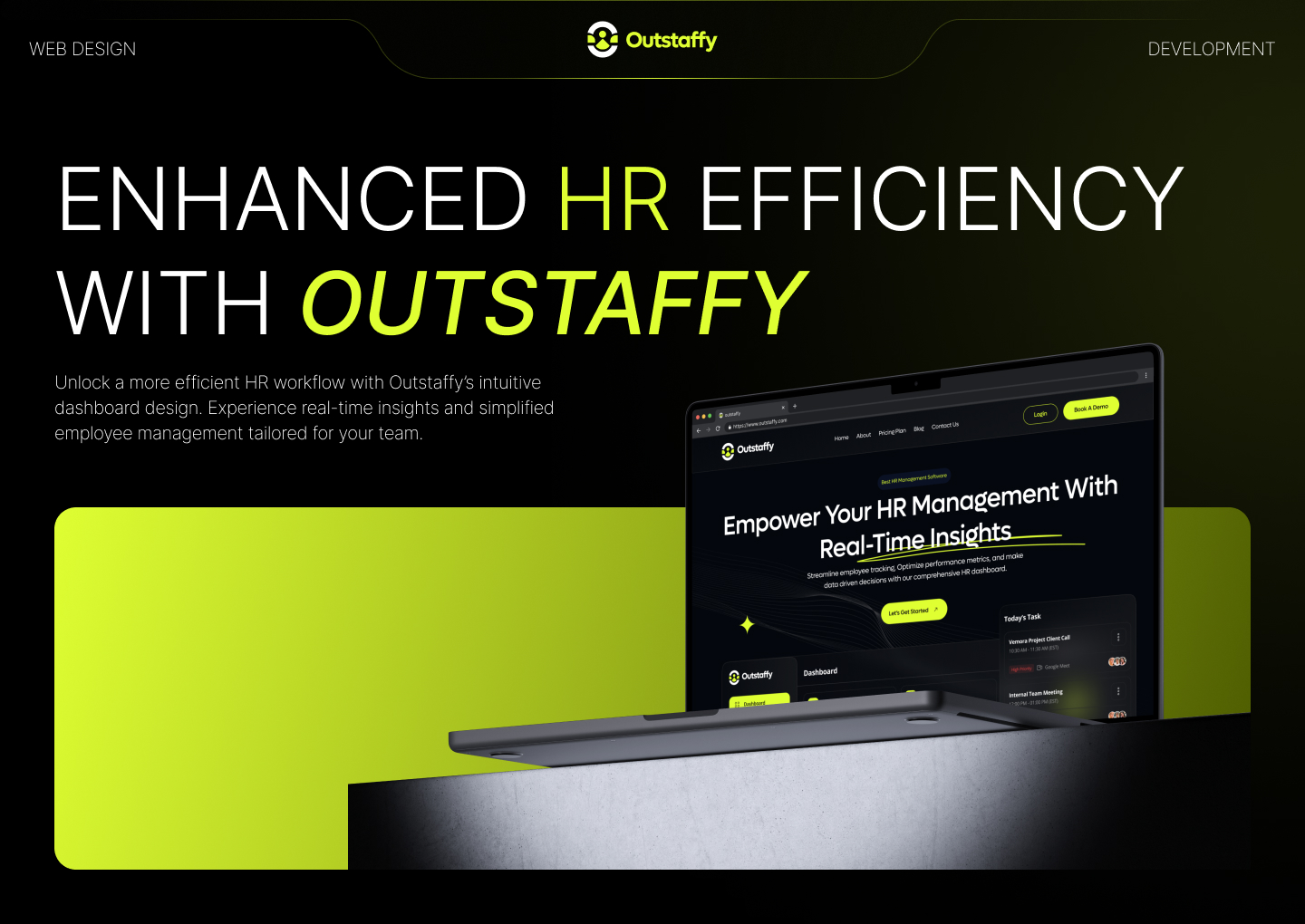
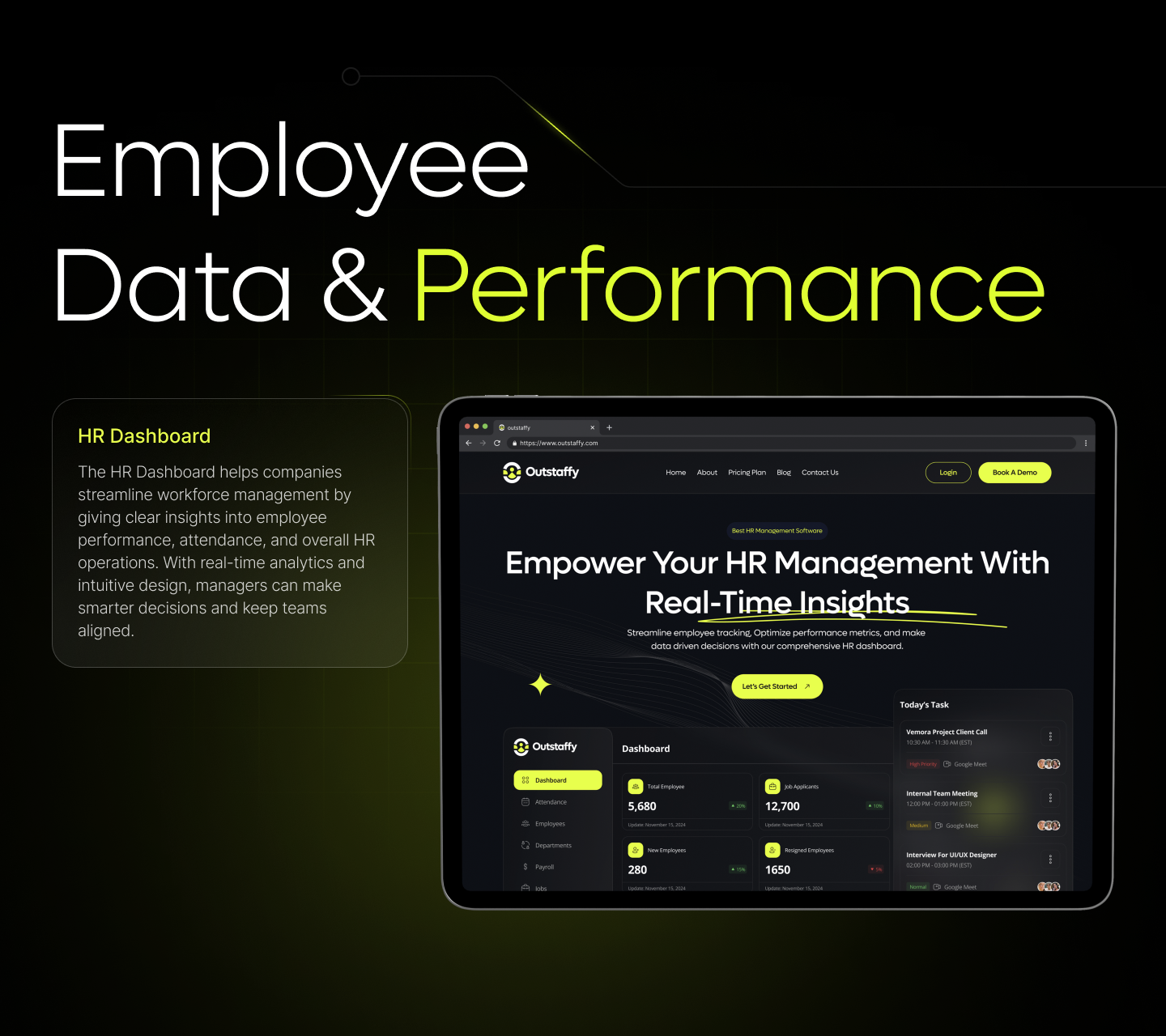
HR teams run on records they touch every day: attendance, payroll, headcount, hiring. Outstaffy is an HR management platform that keeps those records in one dashboard, and its website has to prove that to HR leads and founders who are comparing several tools at once. We designed the marketing site, the dashboard screens it showcases, and the brand around one goal: let a buyer see how the product works before they're asked to book a call.



Most HR teams still keep attendance in one spreadsheet, payroll in another, and hiring in a third, so a simple question like who joined this month means opening three files. → HR software websites rarely help a buyer get past that. Features are described in general terms, the product hides behind a "Book a Demo" button, and pricing waits for a sales call. → A 20-person startup and a large company land on the same page, with no clear way to tell which plan, if any, fits them.
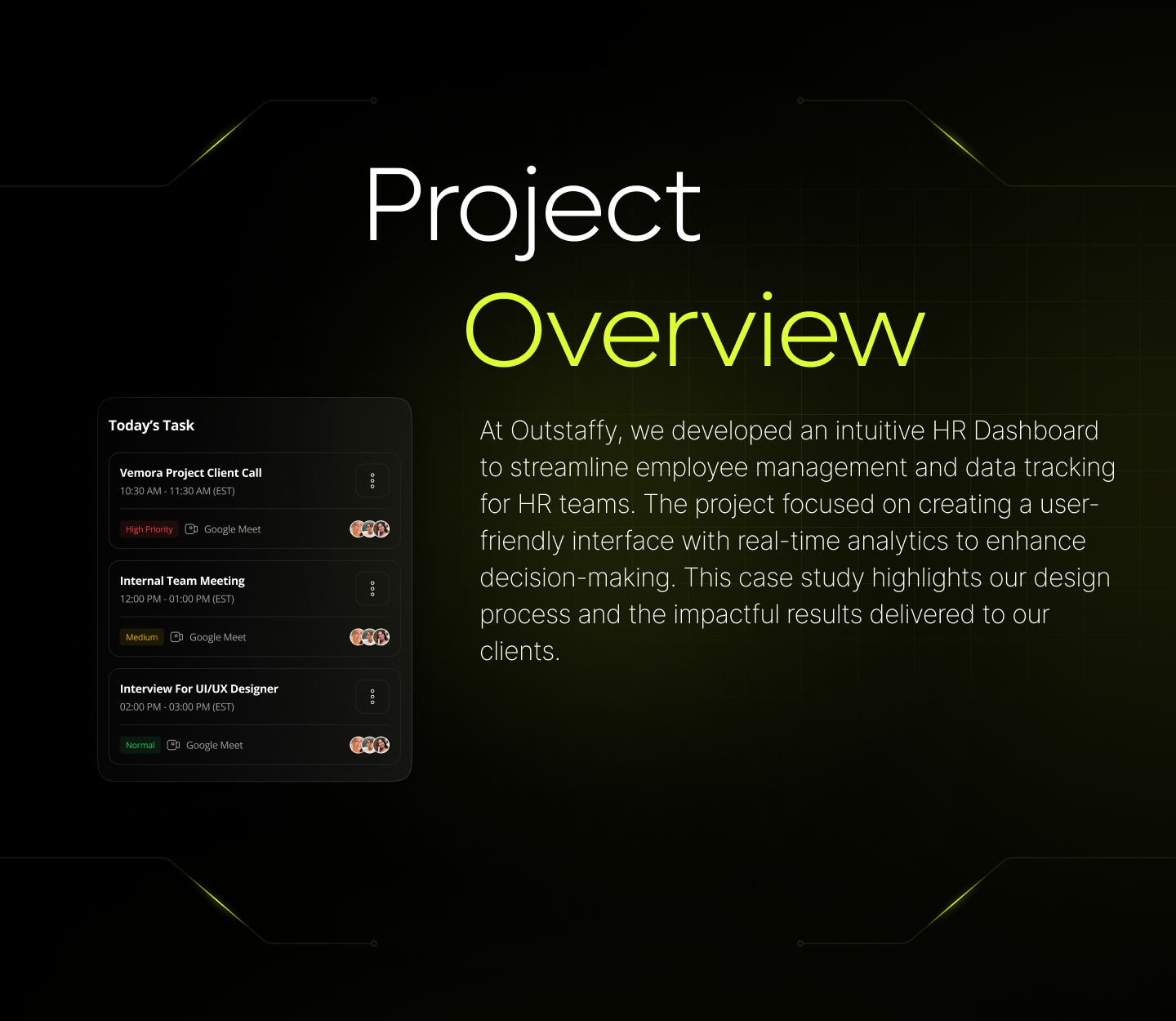
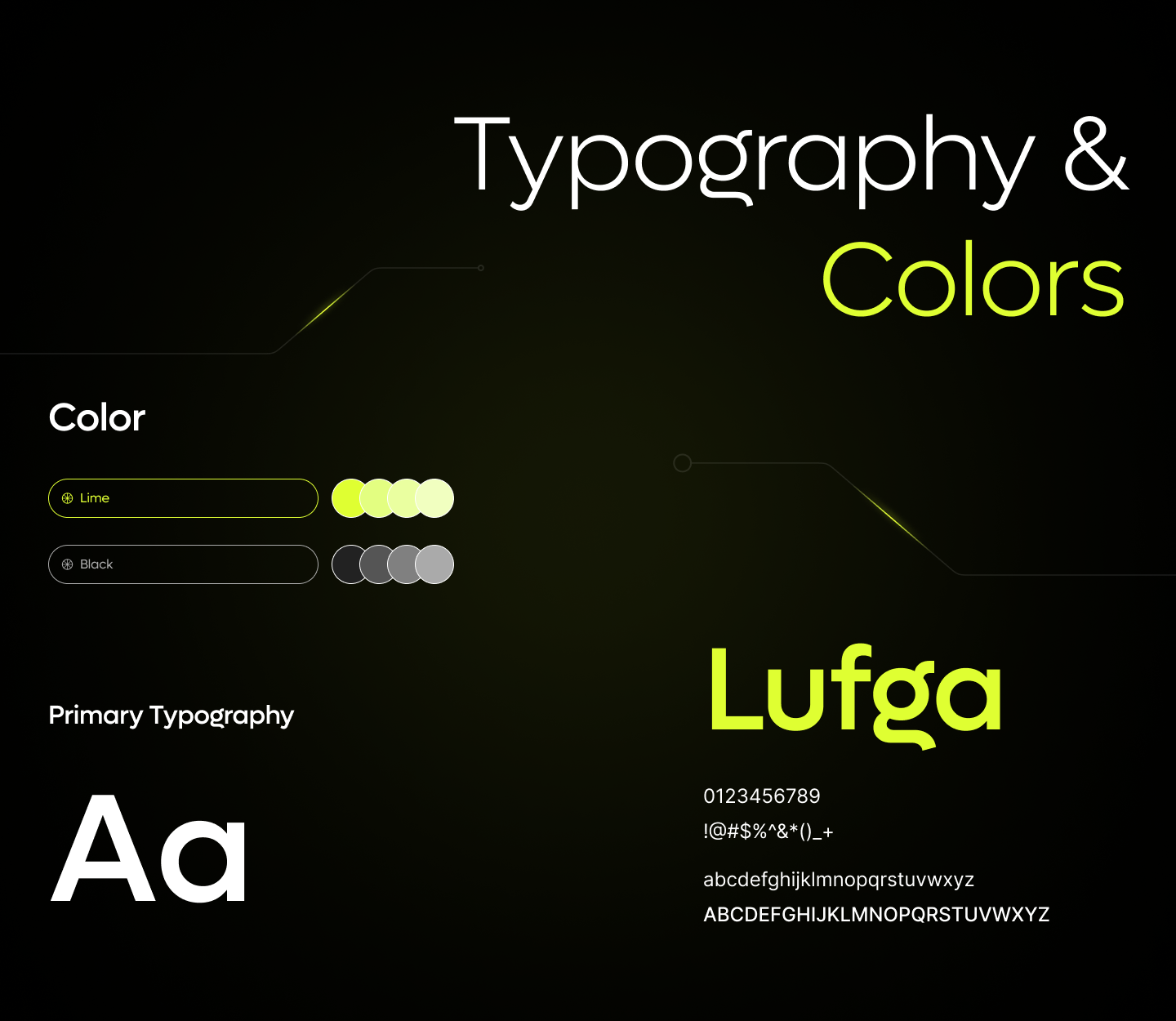
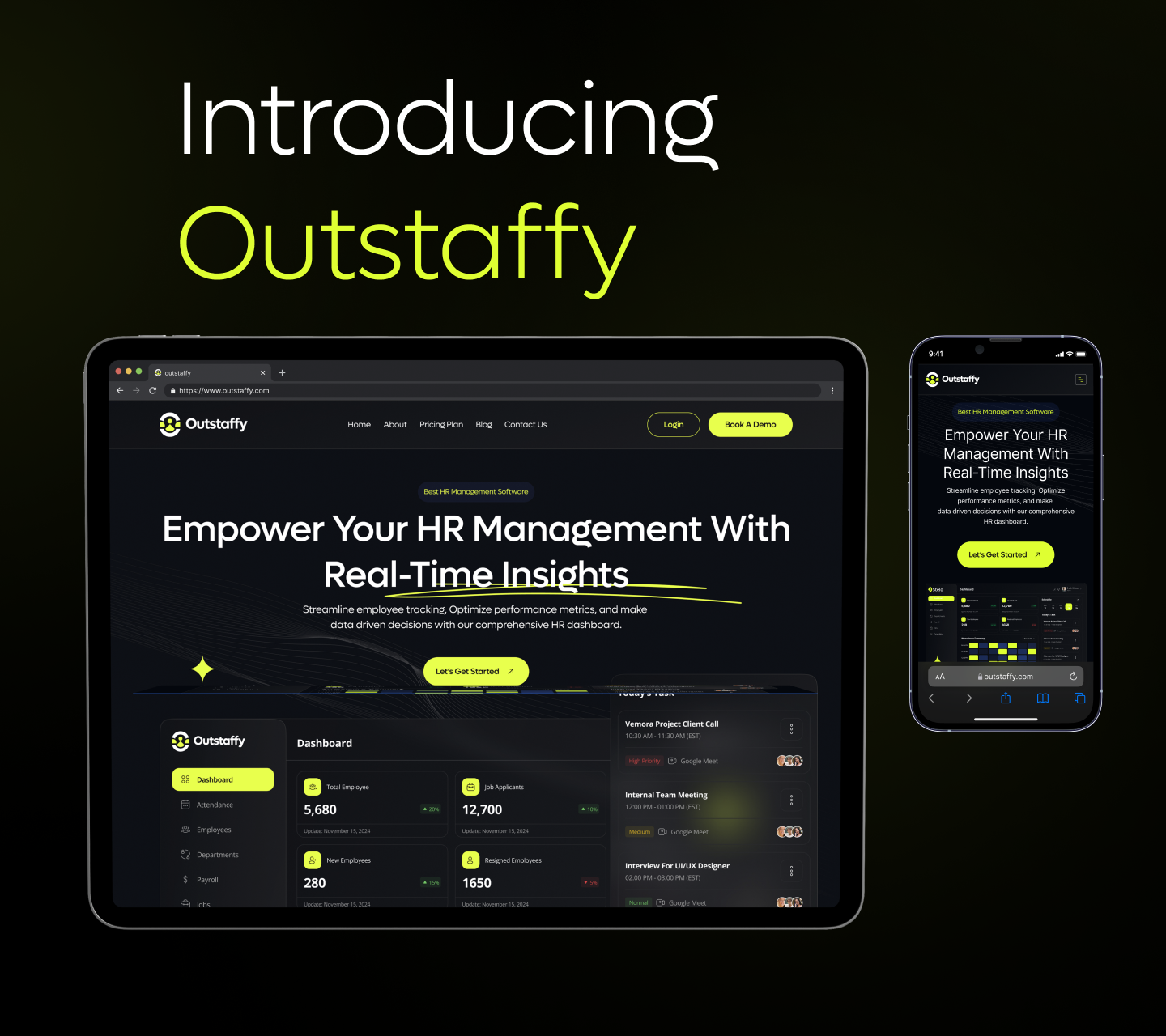
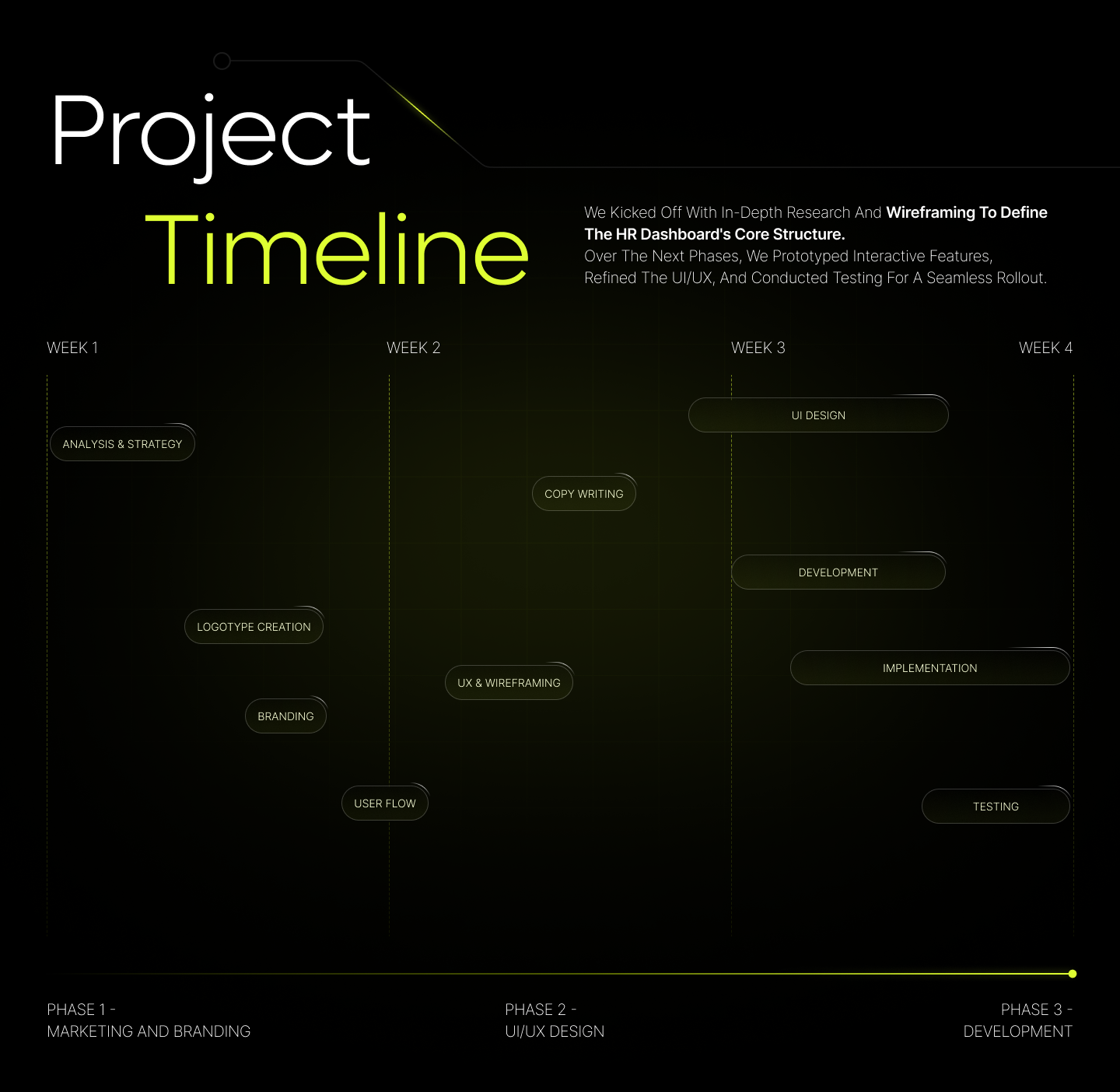
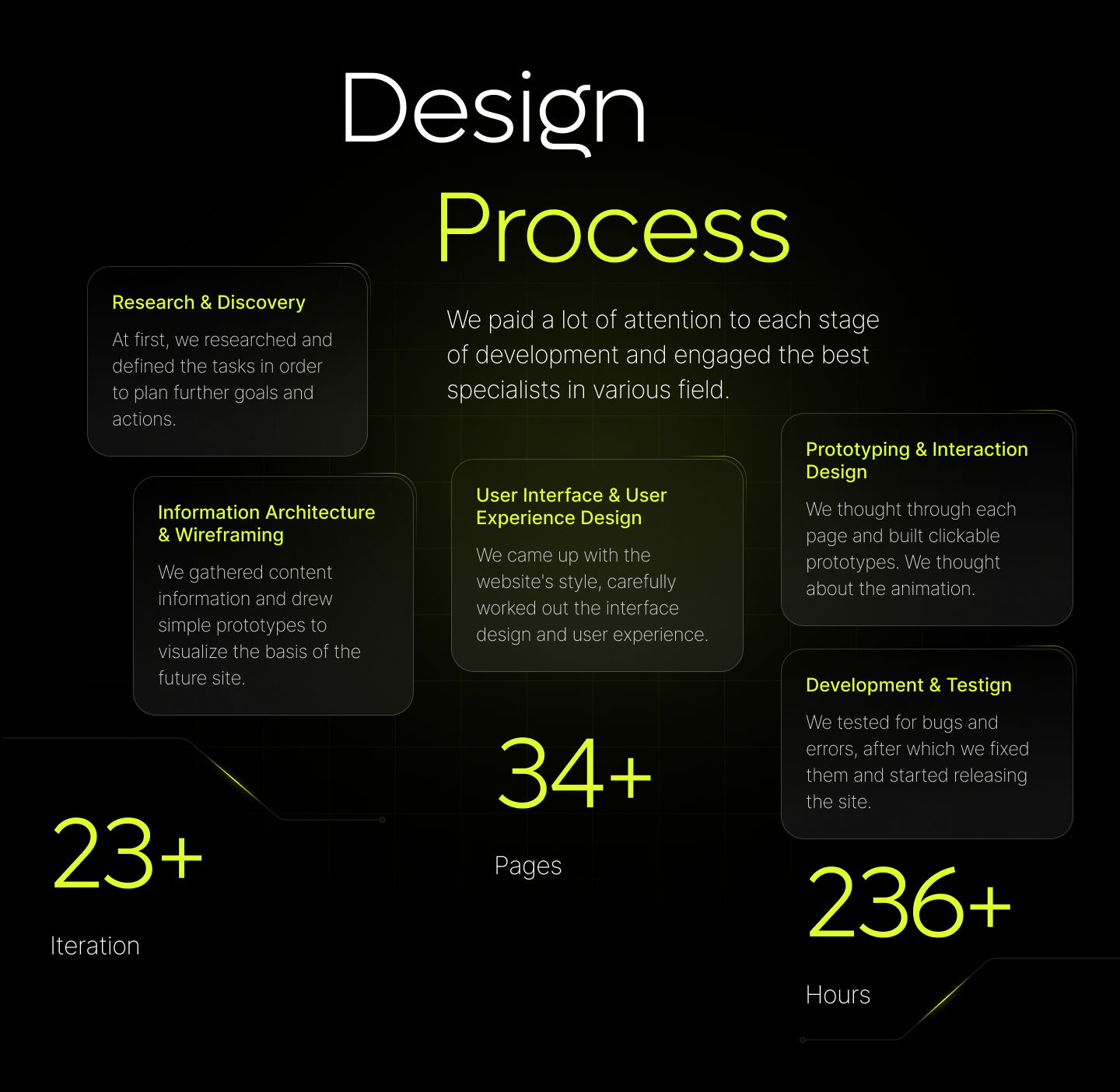
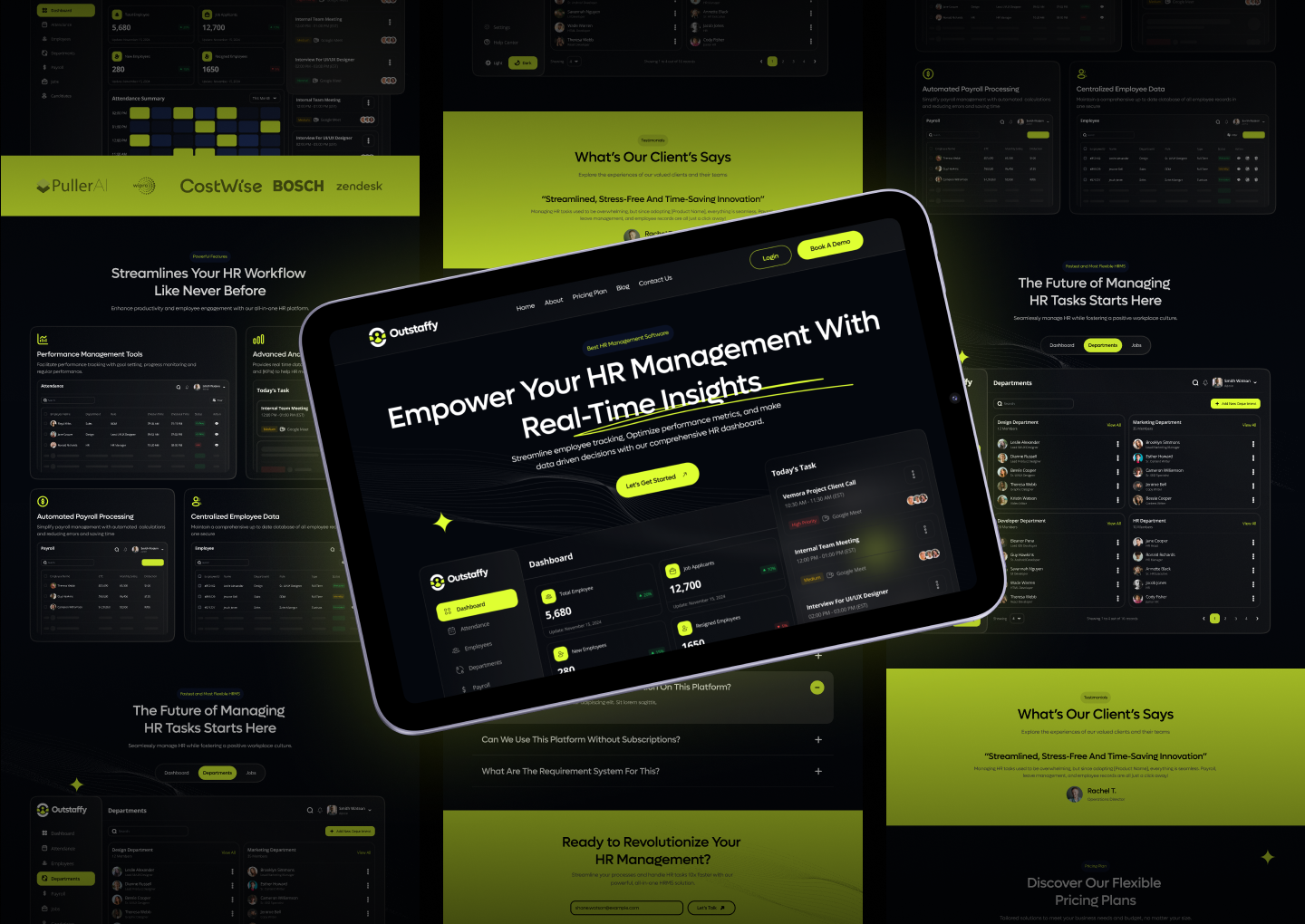
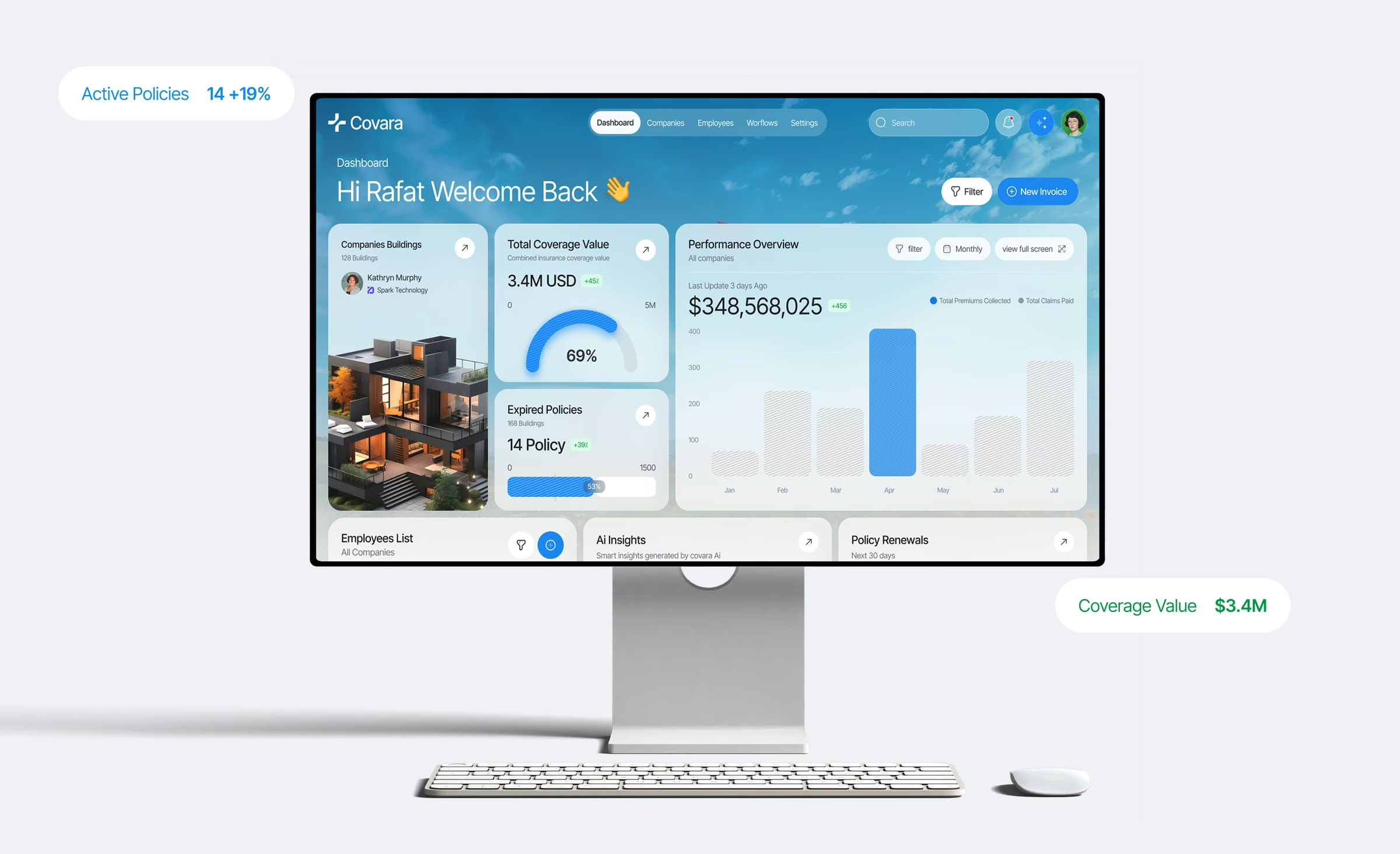
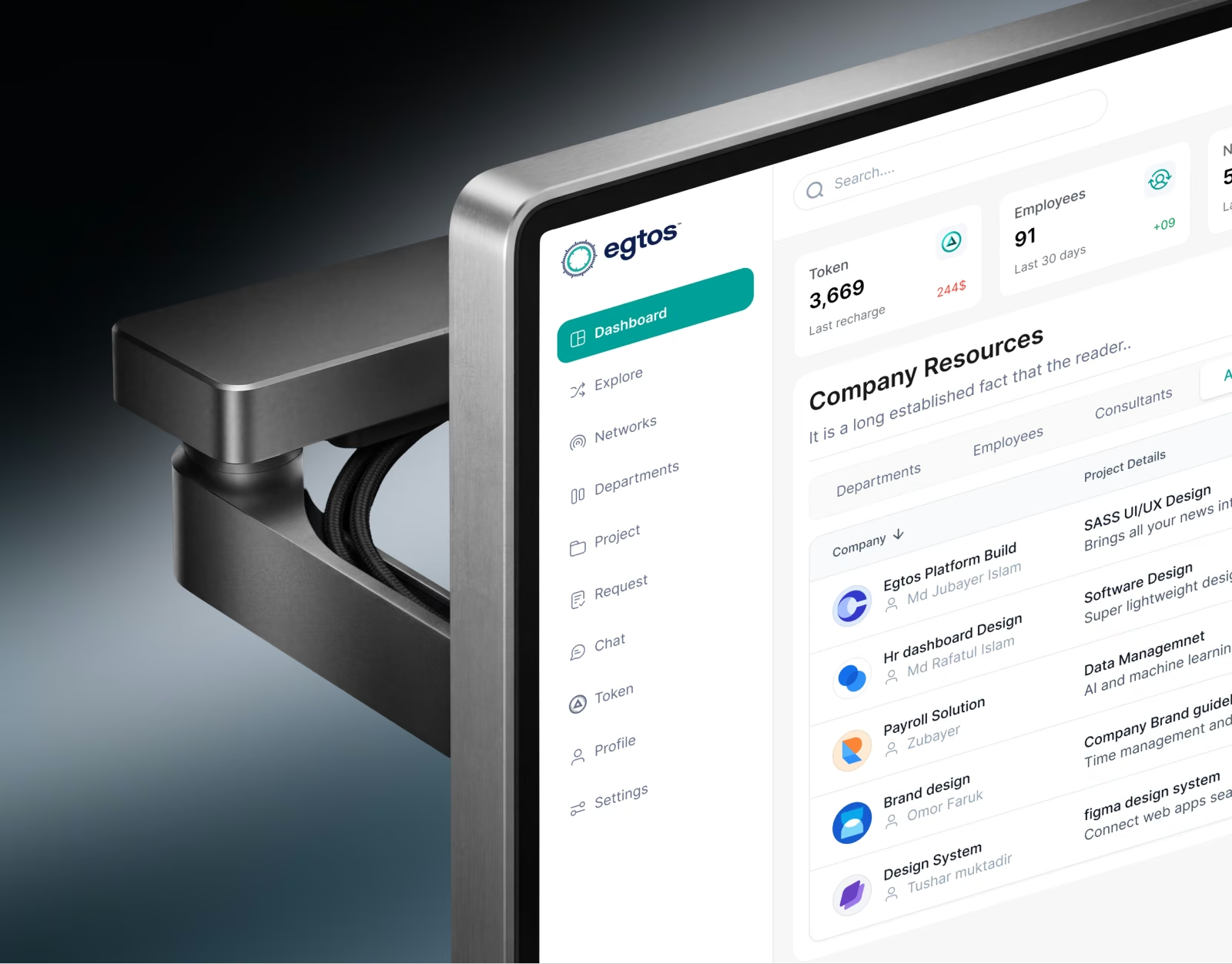
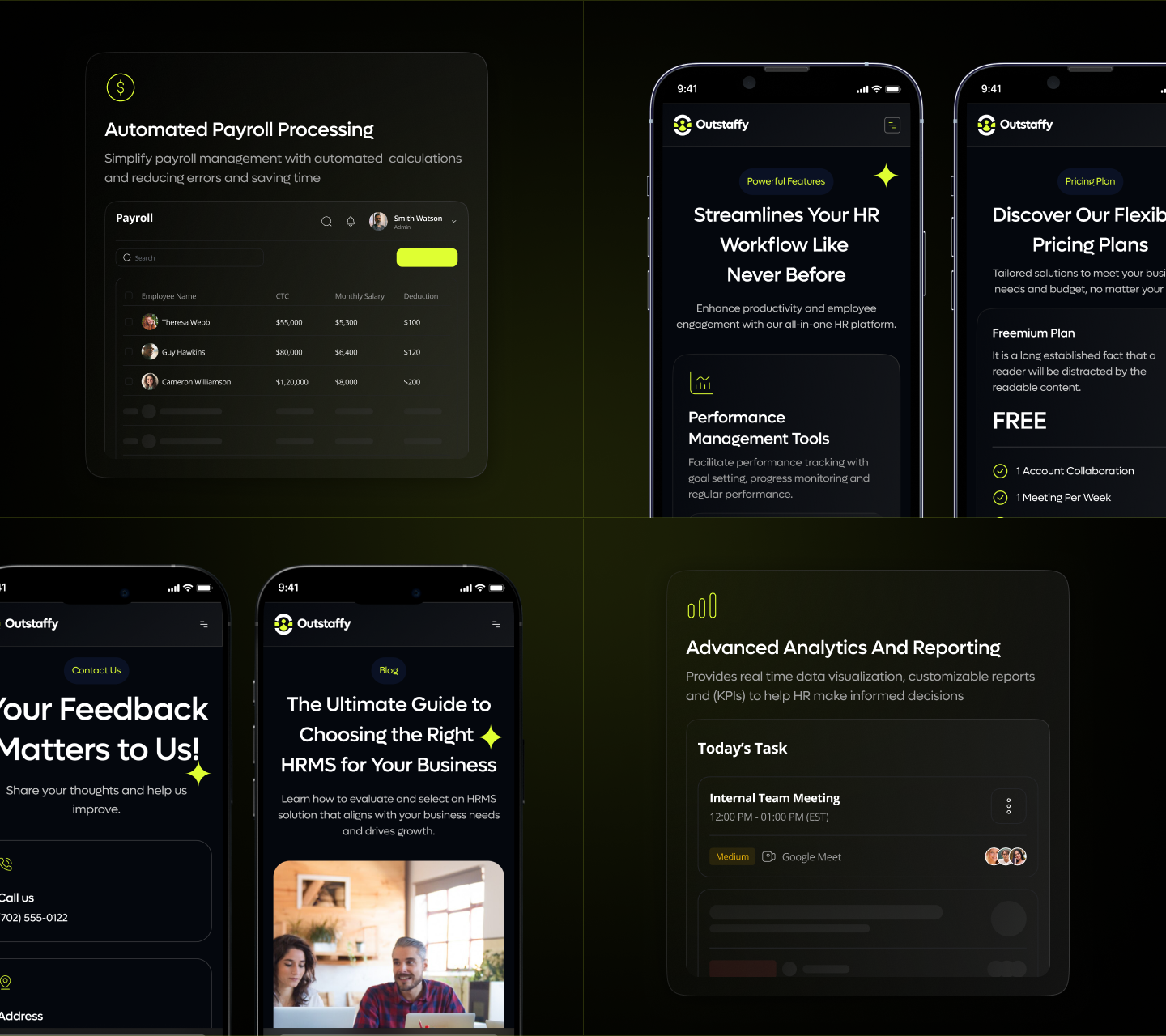
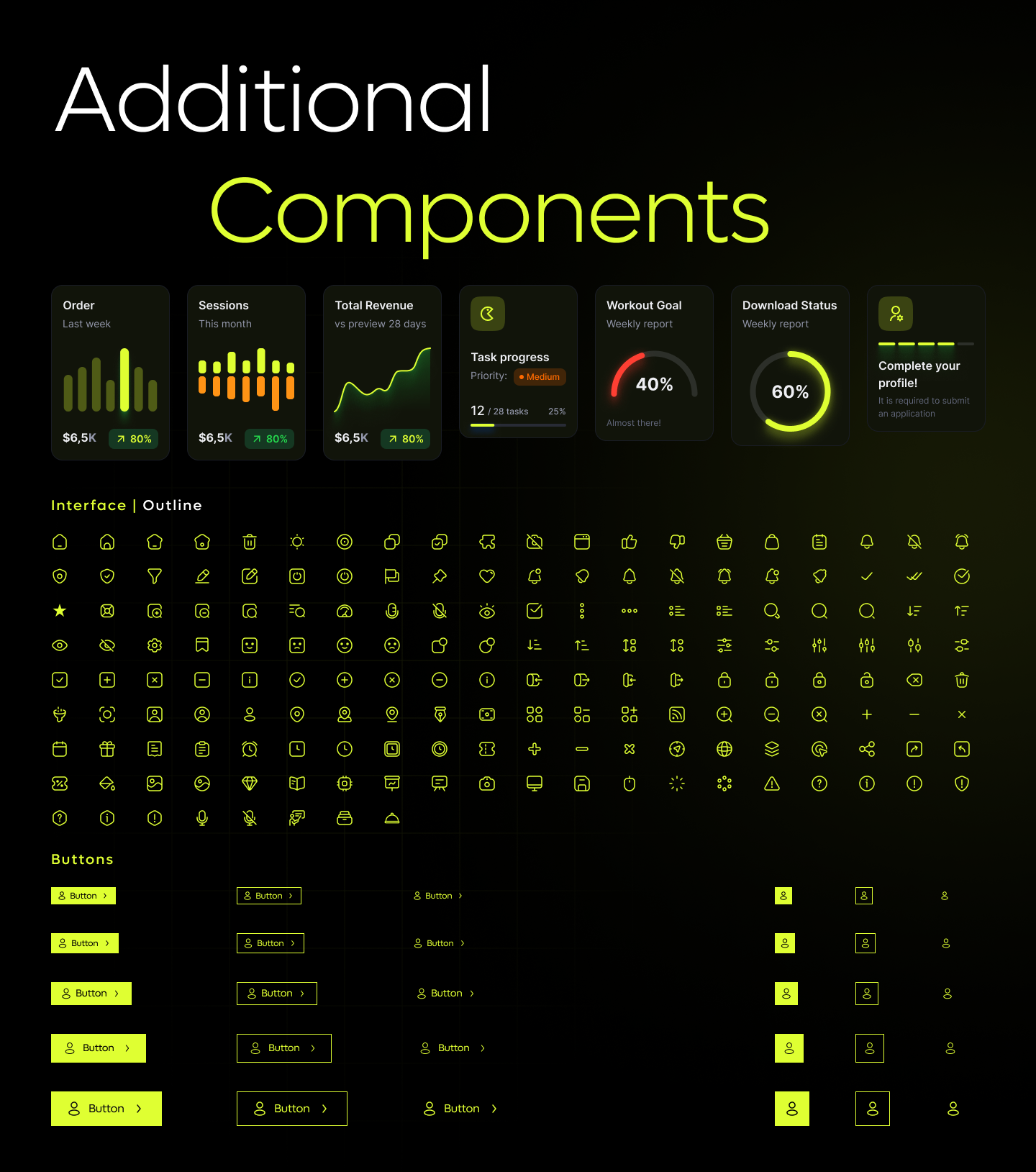
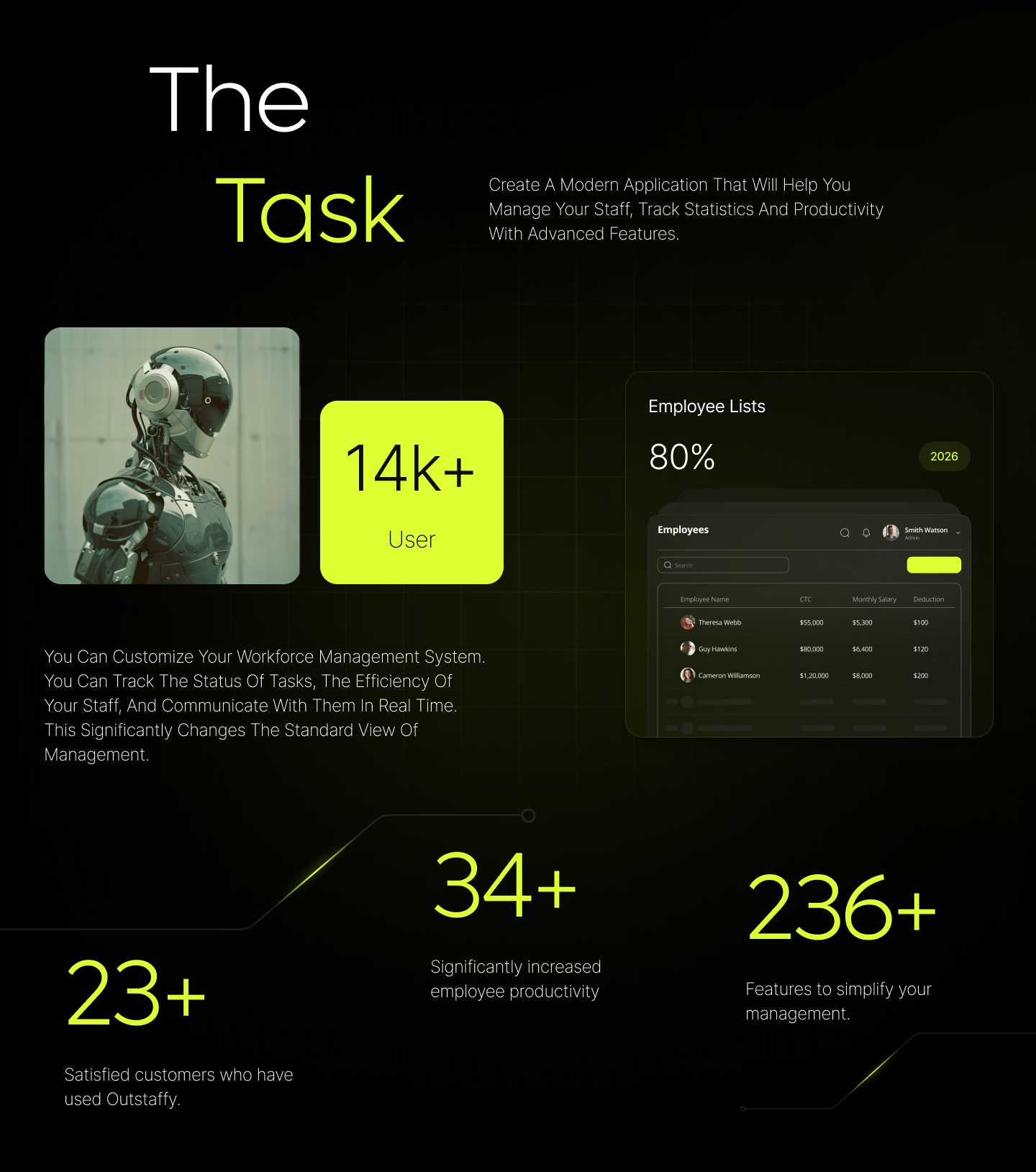
The hero opens on the product itself: total employees, open applicants, new hires, resignations, and today's tasks are visible before anyone scrolls, so a visitor sees what they'd work with on day one. → Inside the dashboard, Attendance, Employees, Departments, Payroll, and Jobs share one sidebar, so records that usually live in separate files sit one click apart. → The Today's Task panel lists the day's client calls, team meetings, and interviews with a priority tag and the meeting link beside each, so an HR lead can plan the day from the home screen. → The payroll table puts each employee's CTC, monthly salary, and deductions in one row, so checking a pay run doesn't mean cross-referencing two sheets. → Pricing opens on a free plan, and the FAQ answers whether the platform works without a subscription before a sales call has to. Login and Book a Demo sit side by side in the navigation, so existing users and new buyers each get a direct path. → A blog guide on choosing an HRMS gives buyers who are still comparing a reason to come back. → 34+ pages across desktop and mobile, shaped over 23+ iterations and 236+ hours, with one shared component set for stat cards, task progress, priority badges, icons, and buttons.
If your HR product needs a demo call before anyone can see what it does, buyers end up comparing you against tools they've already seen. Building HR or workforce software? Start a project with Mound Studio.


.avif)