



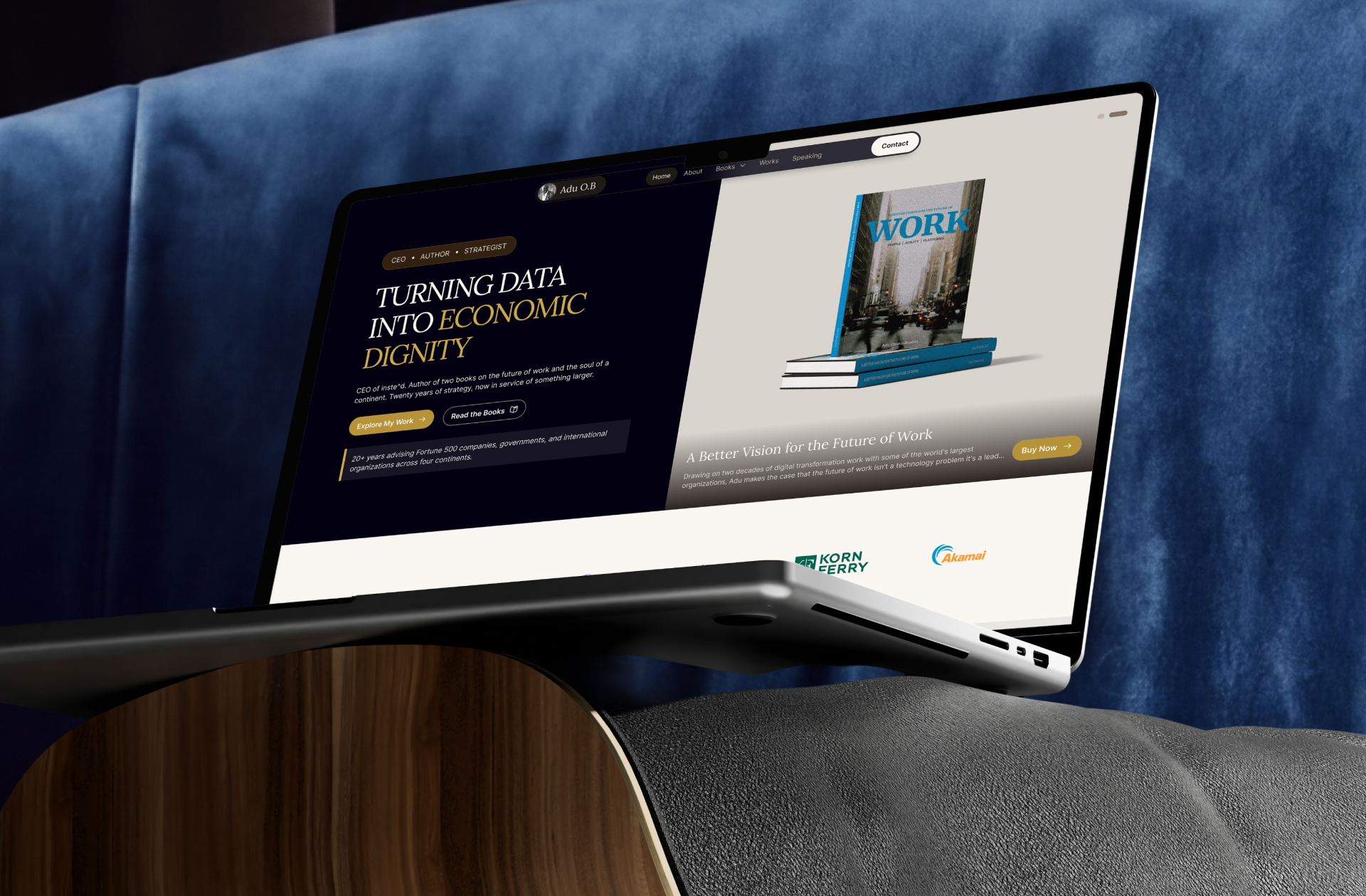
Adu O.B. — Author, Strategist & Founder Website Design And Development
Personal brand site for an author-founder, uniting his books, company, and 20 years of advisory.
Expertise
Personal Branding
Next.js Development
Editorial Design
Design System
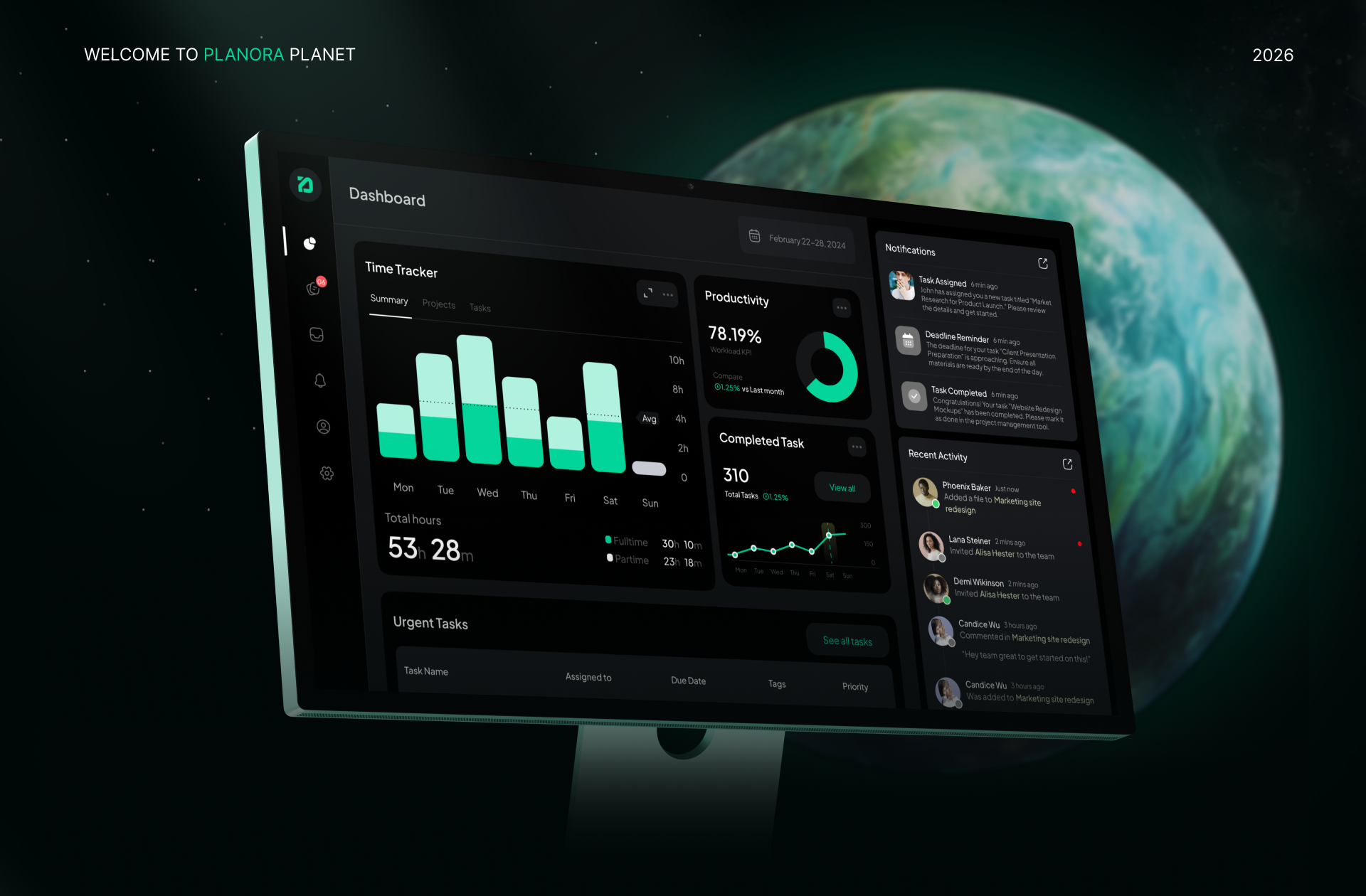
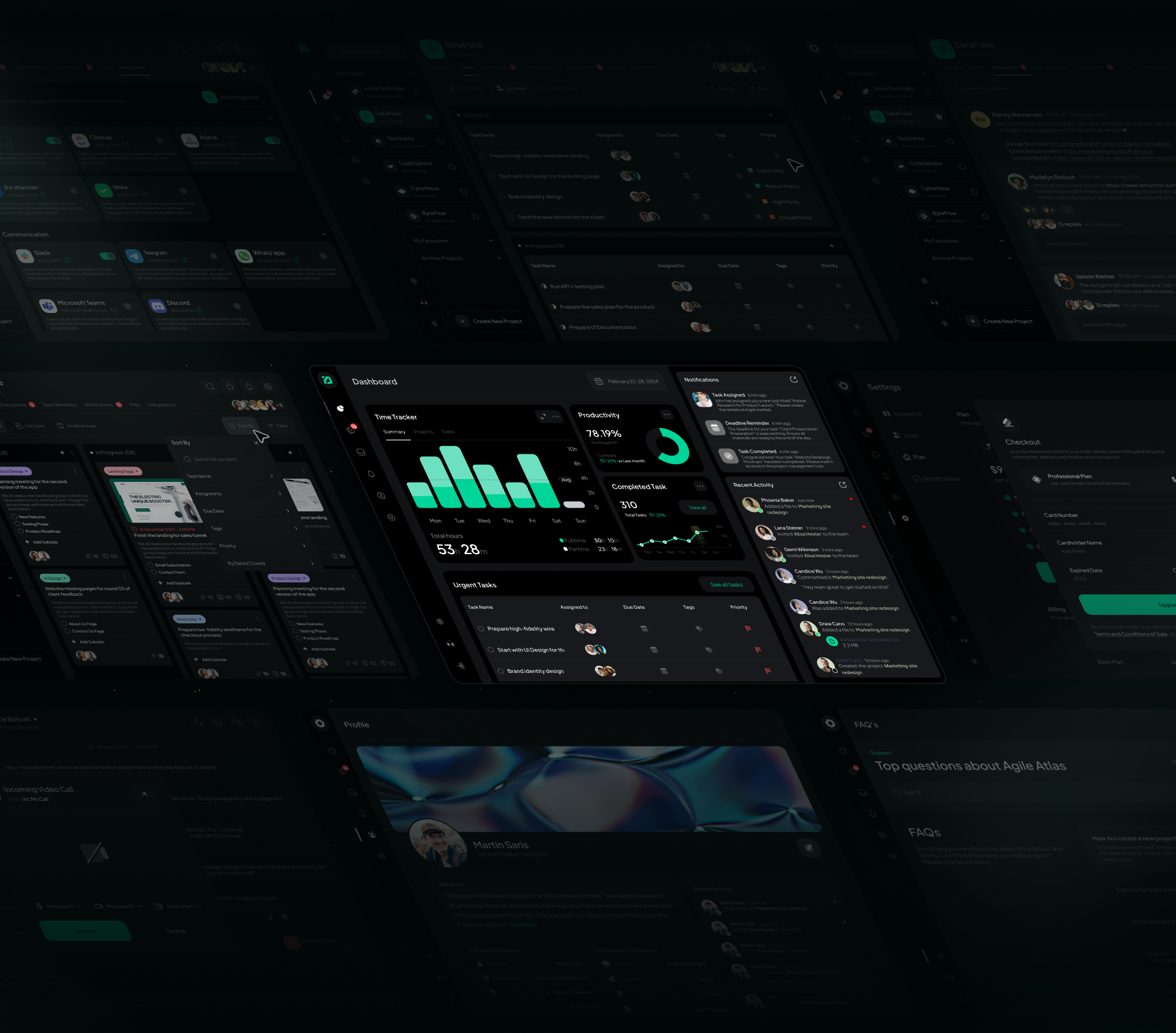
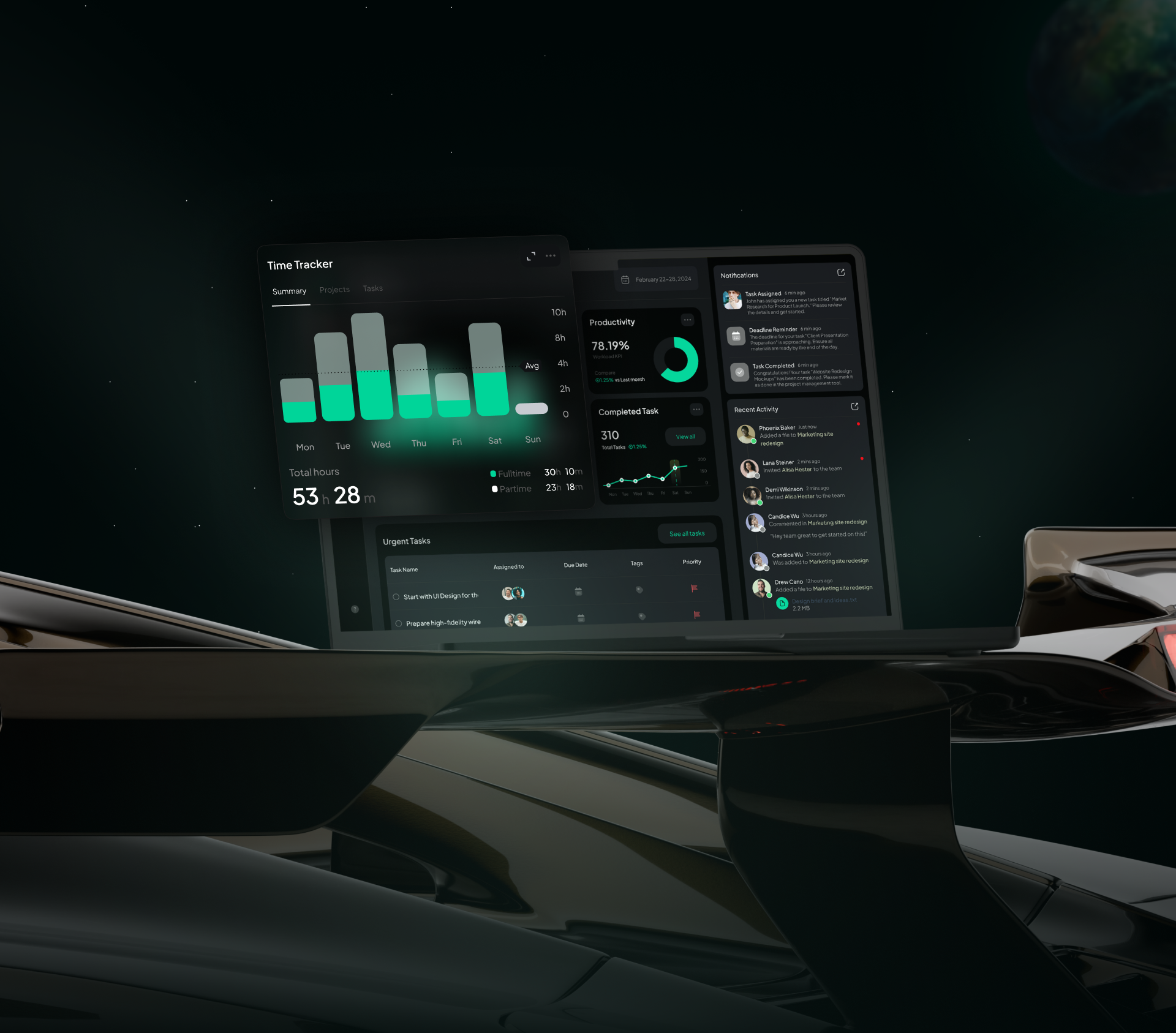
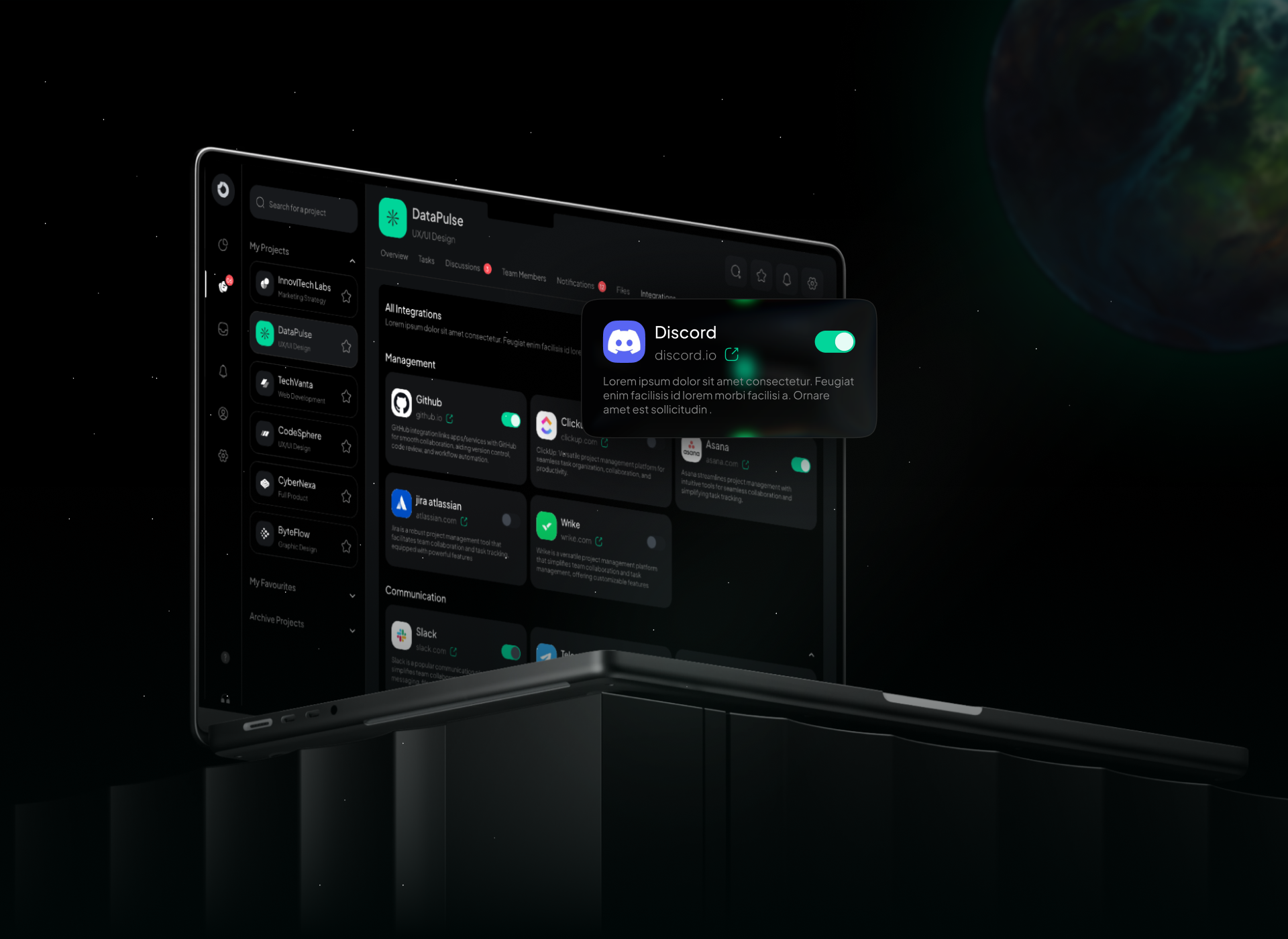
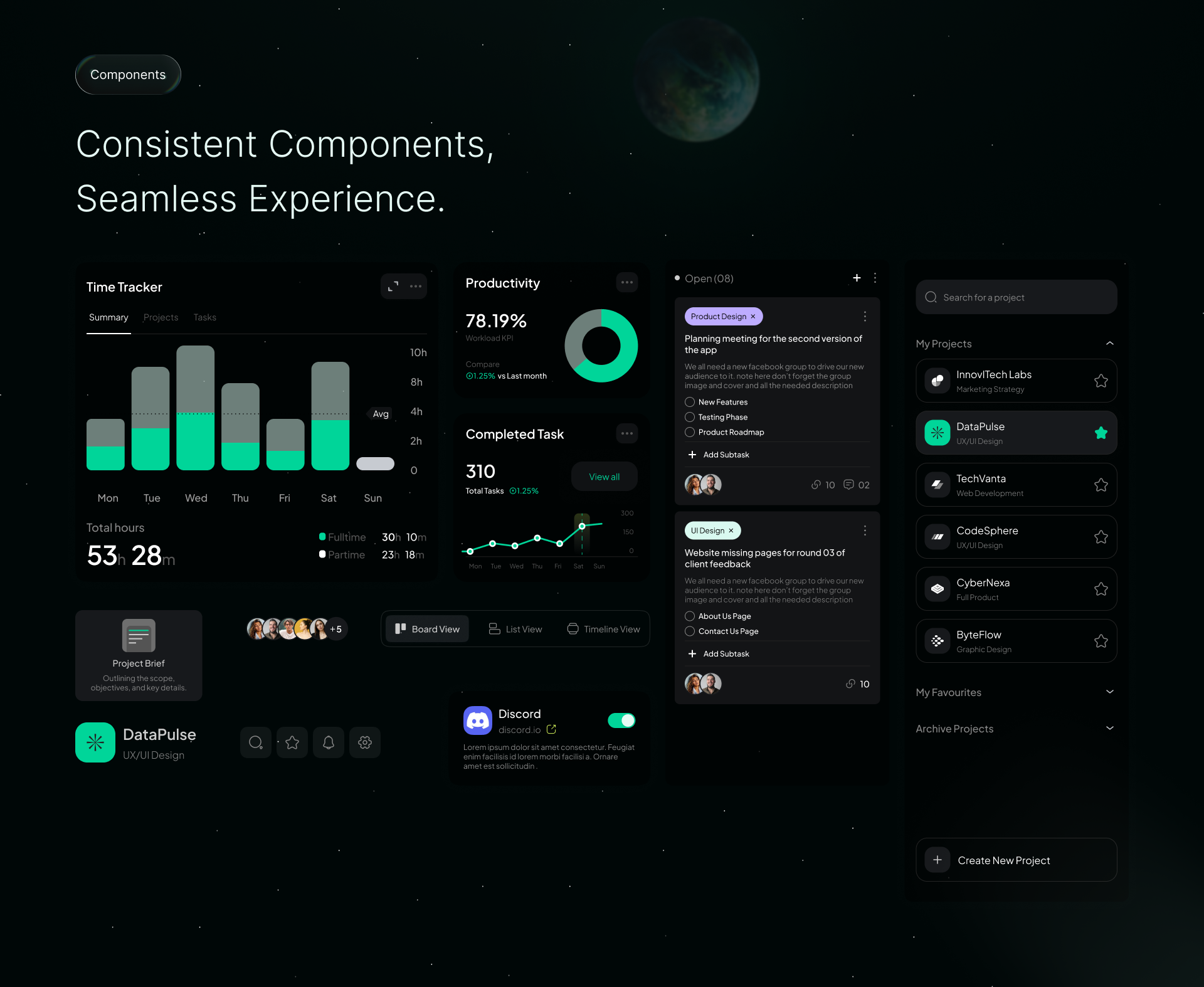
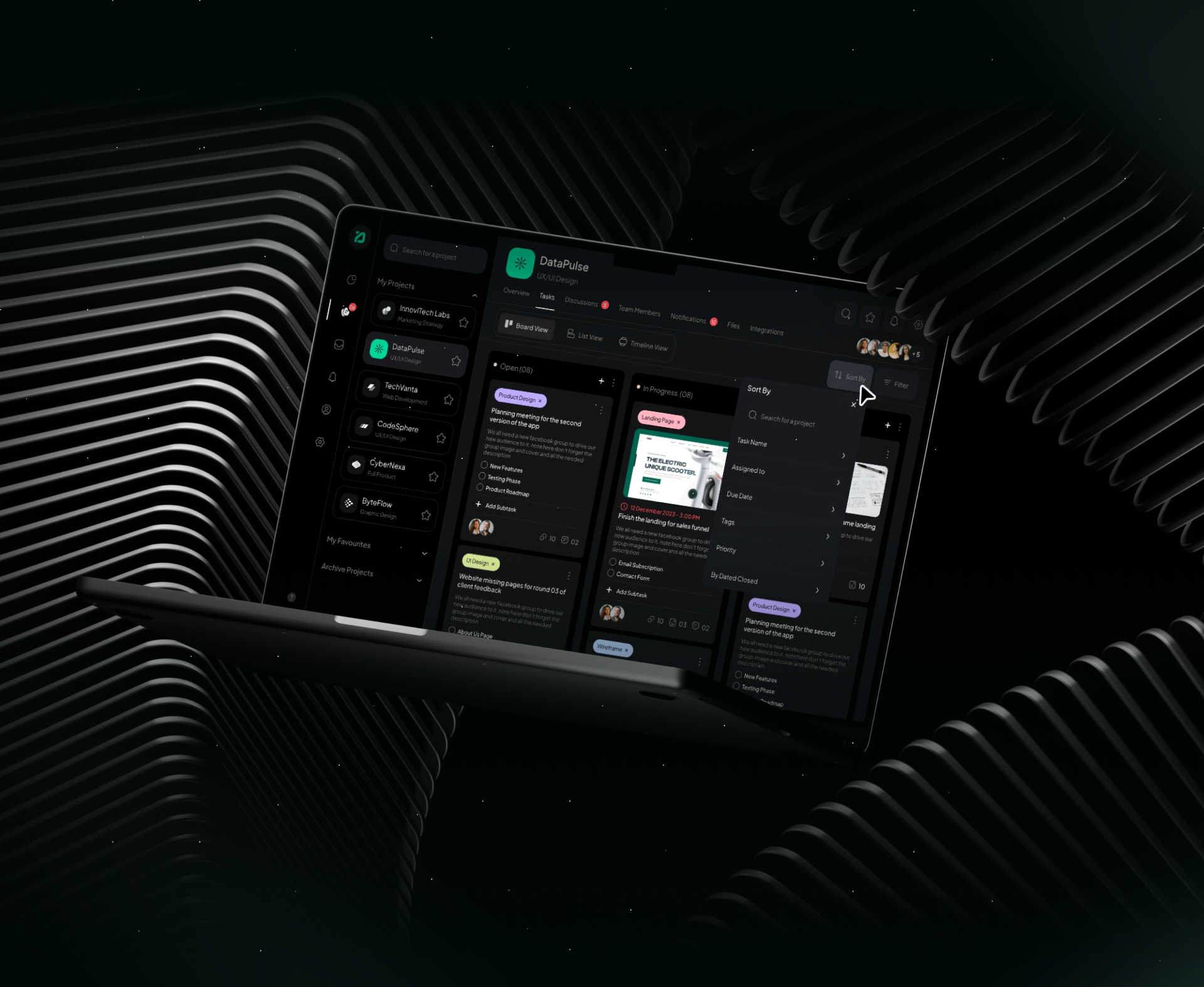
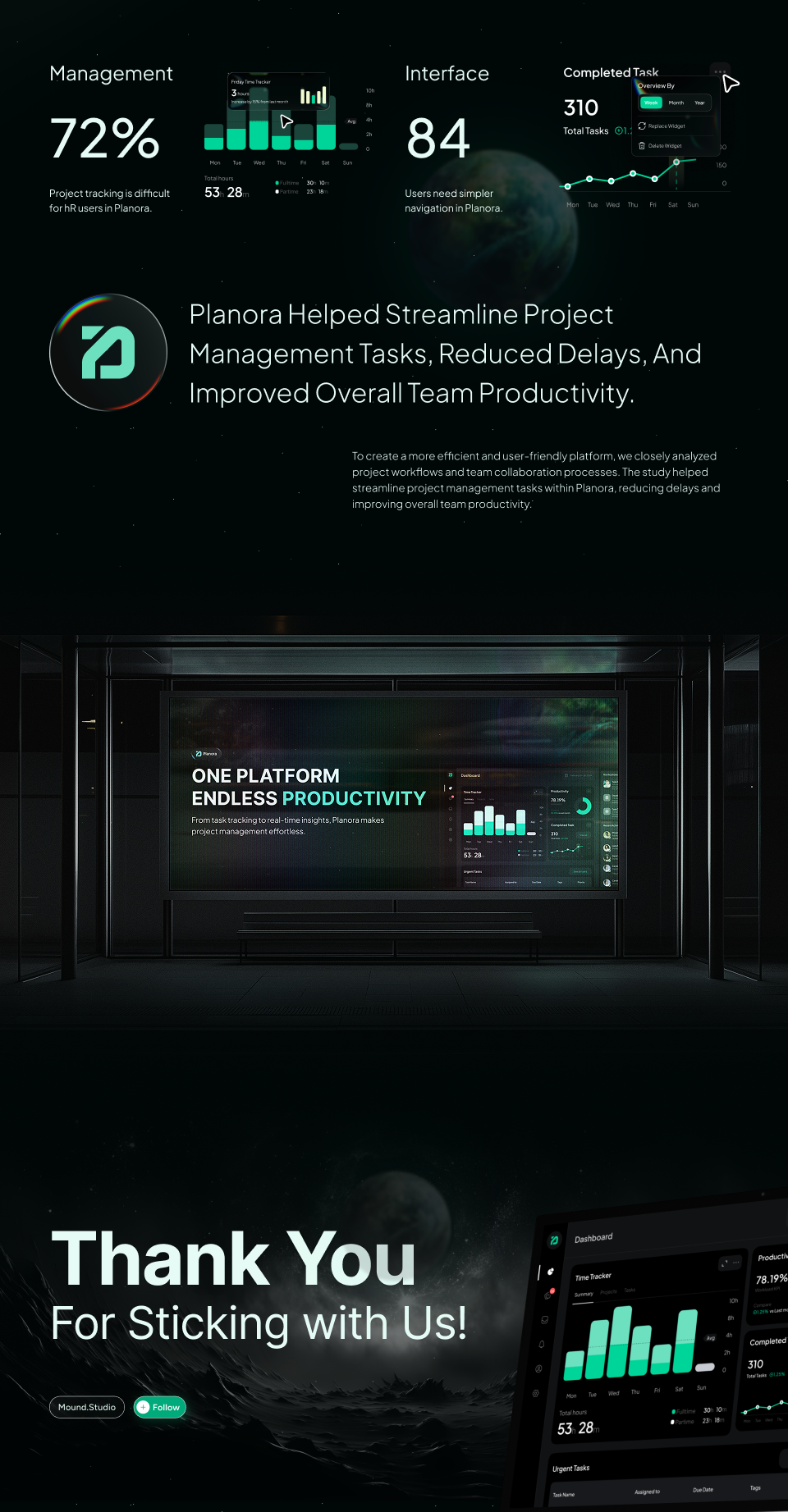
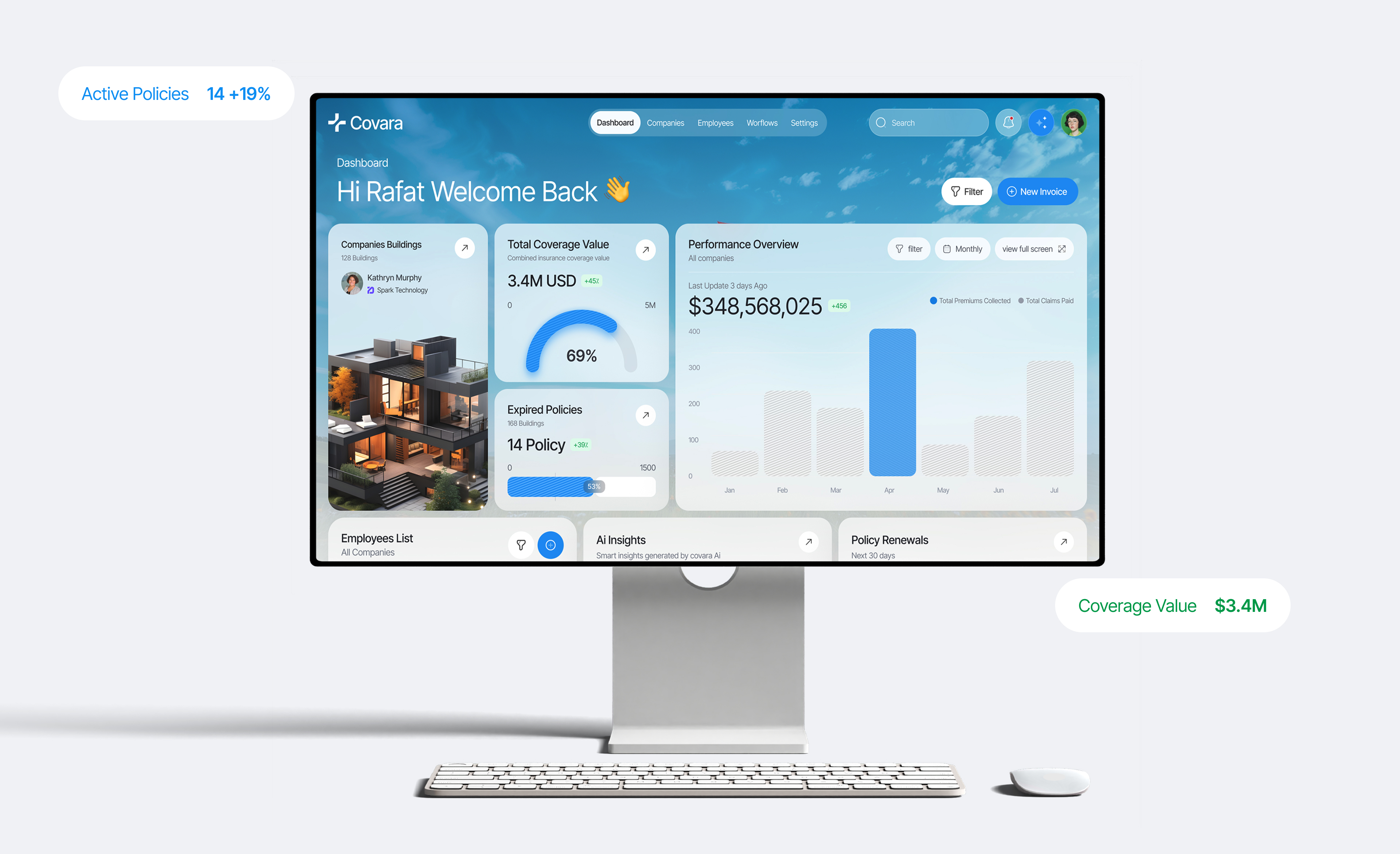
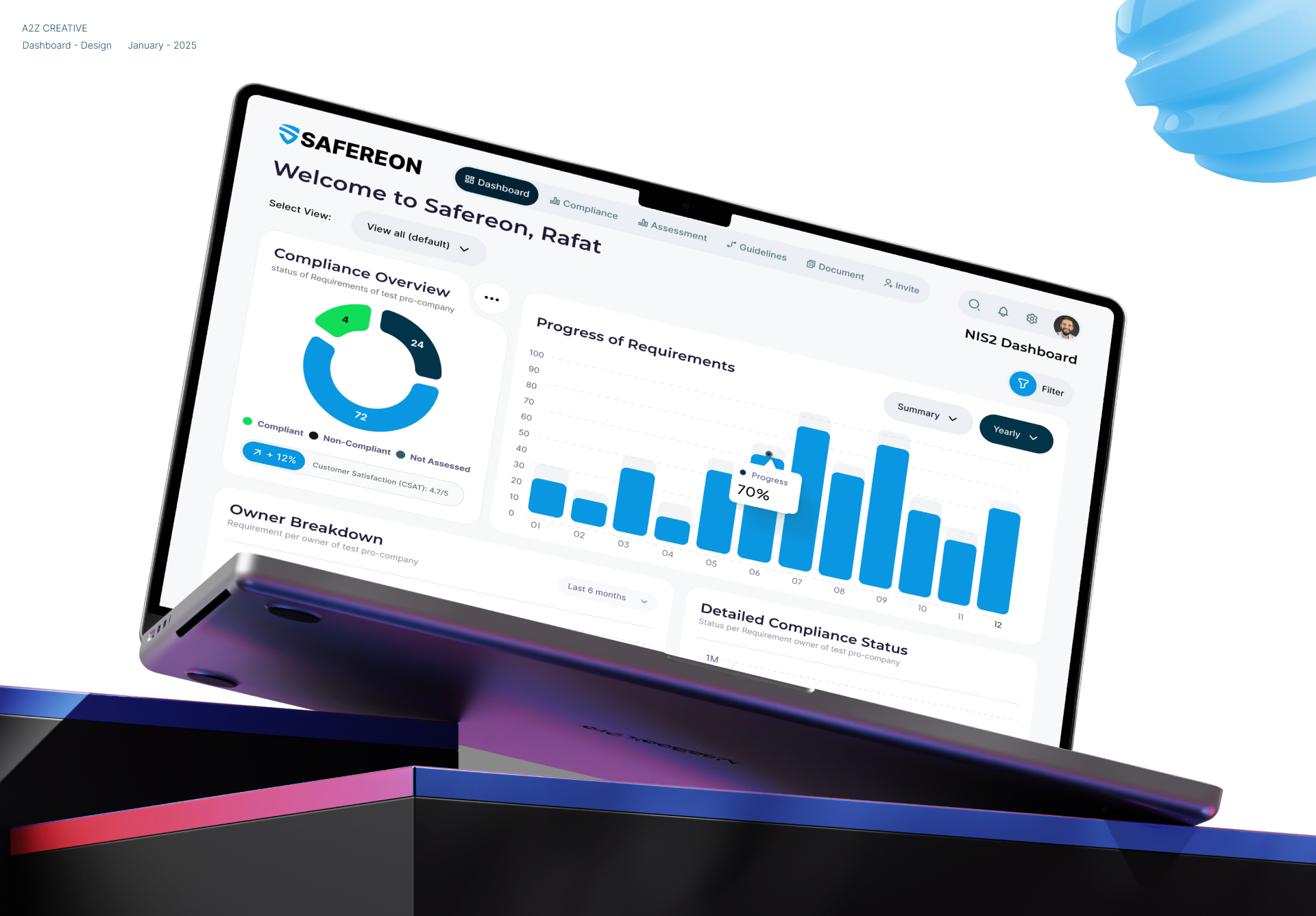
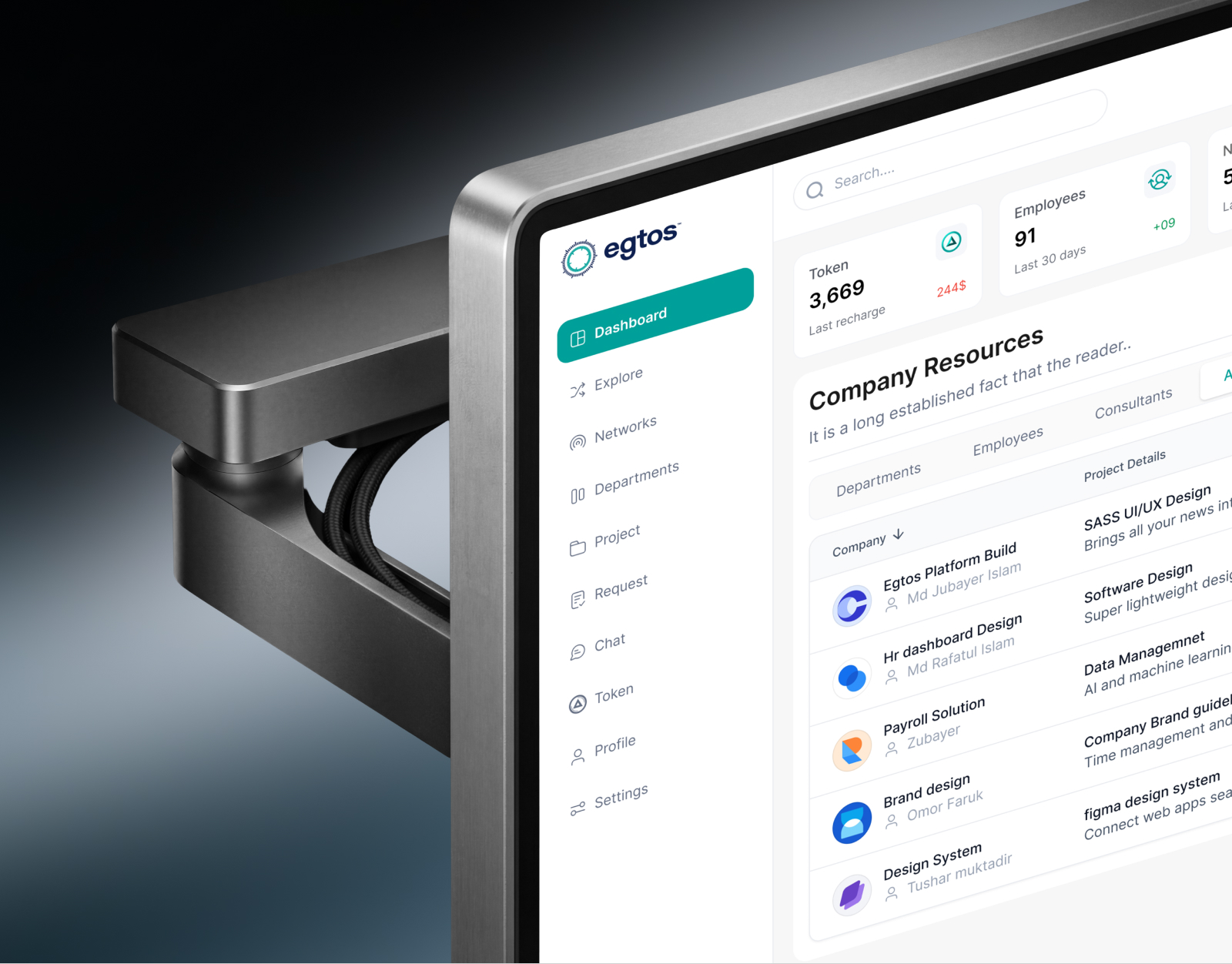
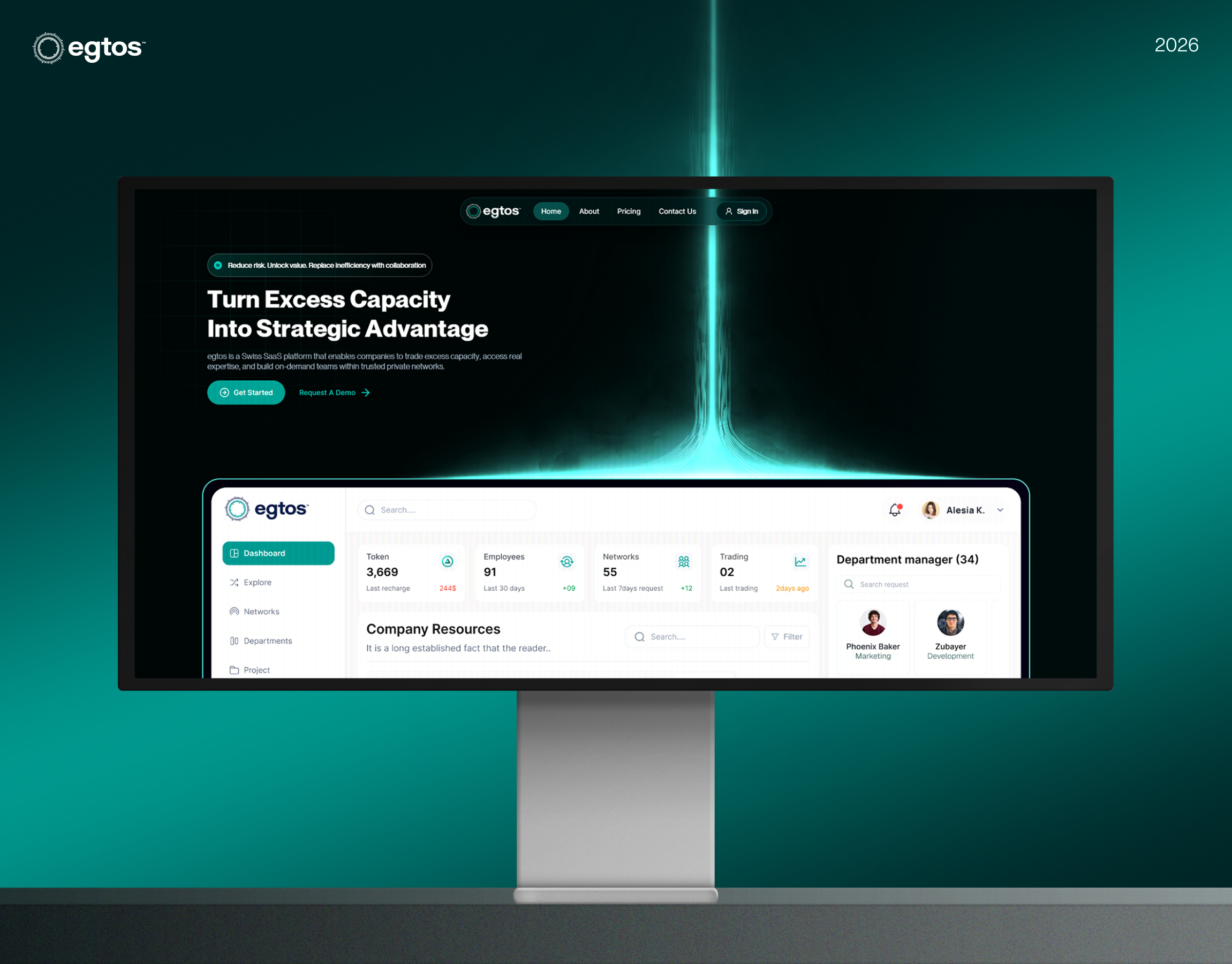
The challenge was simplifying complex workflows, large datasets, and multi-user interactions without overwhelming users. Through user research, journey mapping, and information architecture, we structured the dashboard to surface critical insights, reduce cognitive load, and support faster decision-making. The final UI/UX solution features intuitive navigation, clear visual hierarchy, modular components, and responsive layouts—making the platform scalable for growing teams. This smart dashboard design enables better productivity, smoother collaboration, and an overall more efficient project management experience



Project management tools tend to grow by adding panels. Tasks, timelines, workloads, and status reports end up on separate screens, so a team lead spends the start of every day piecing together who is blocked and what is late. With several people editing the same data, the dashboard becomes something teams check rather than something they work from.
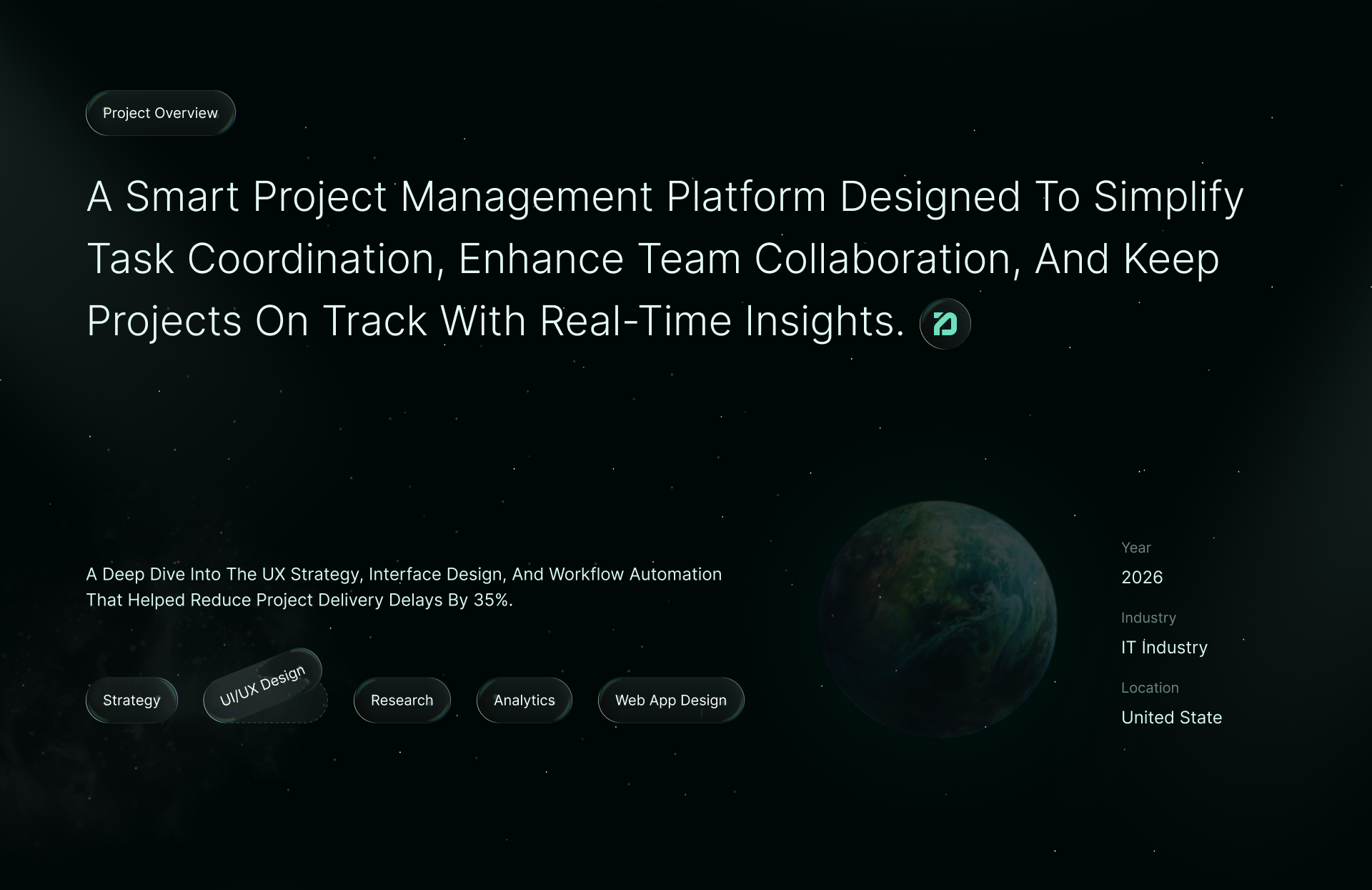
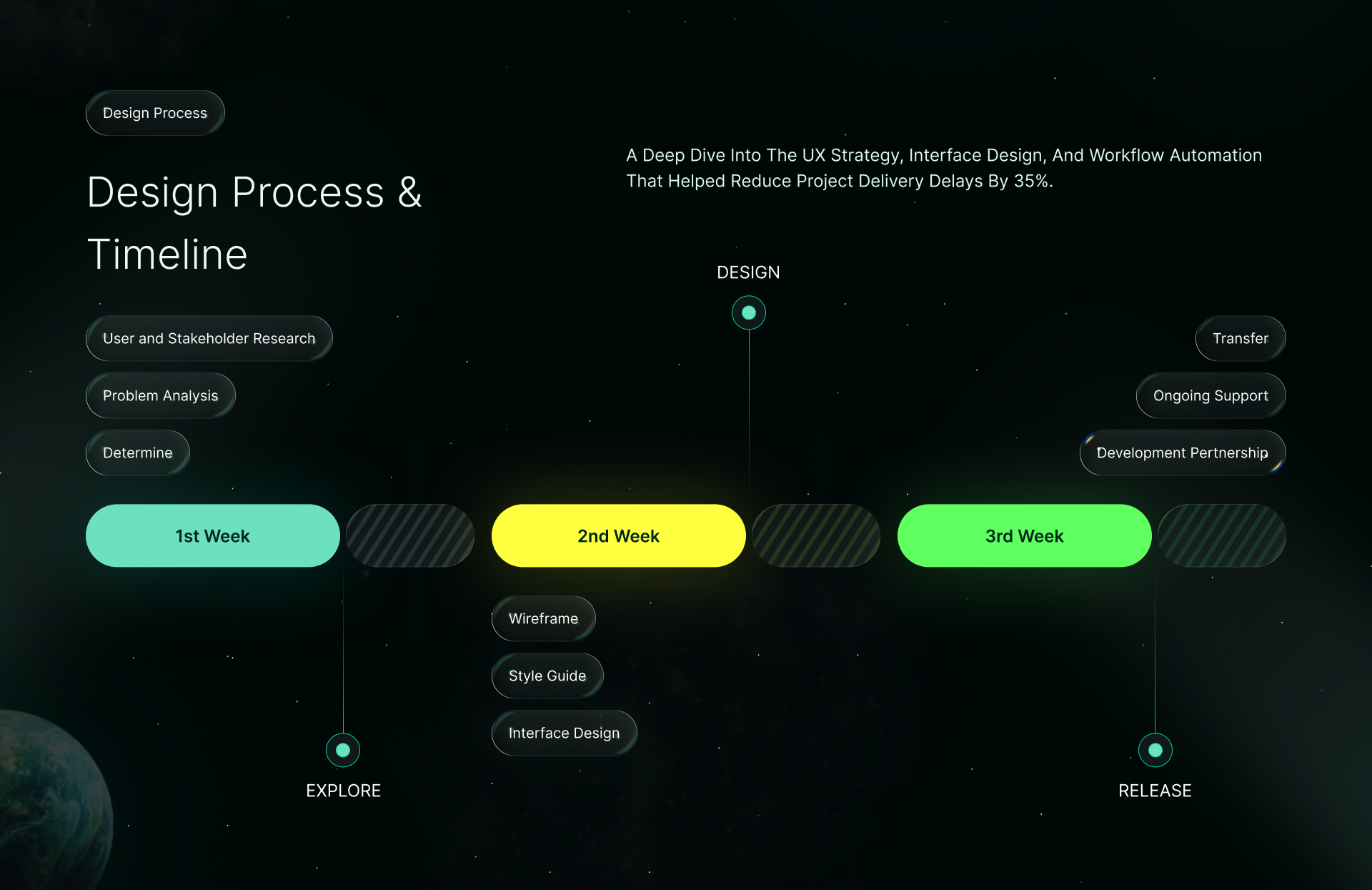
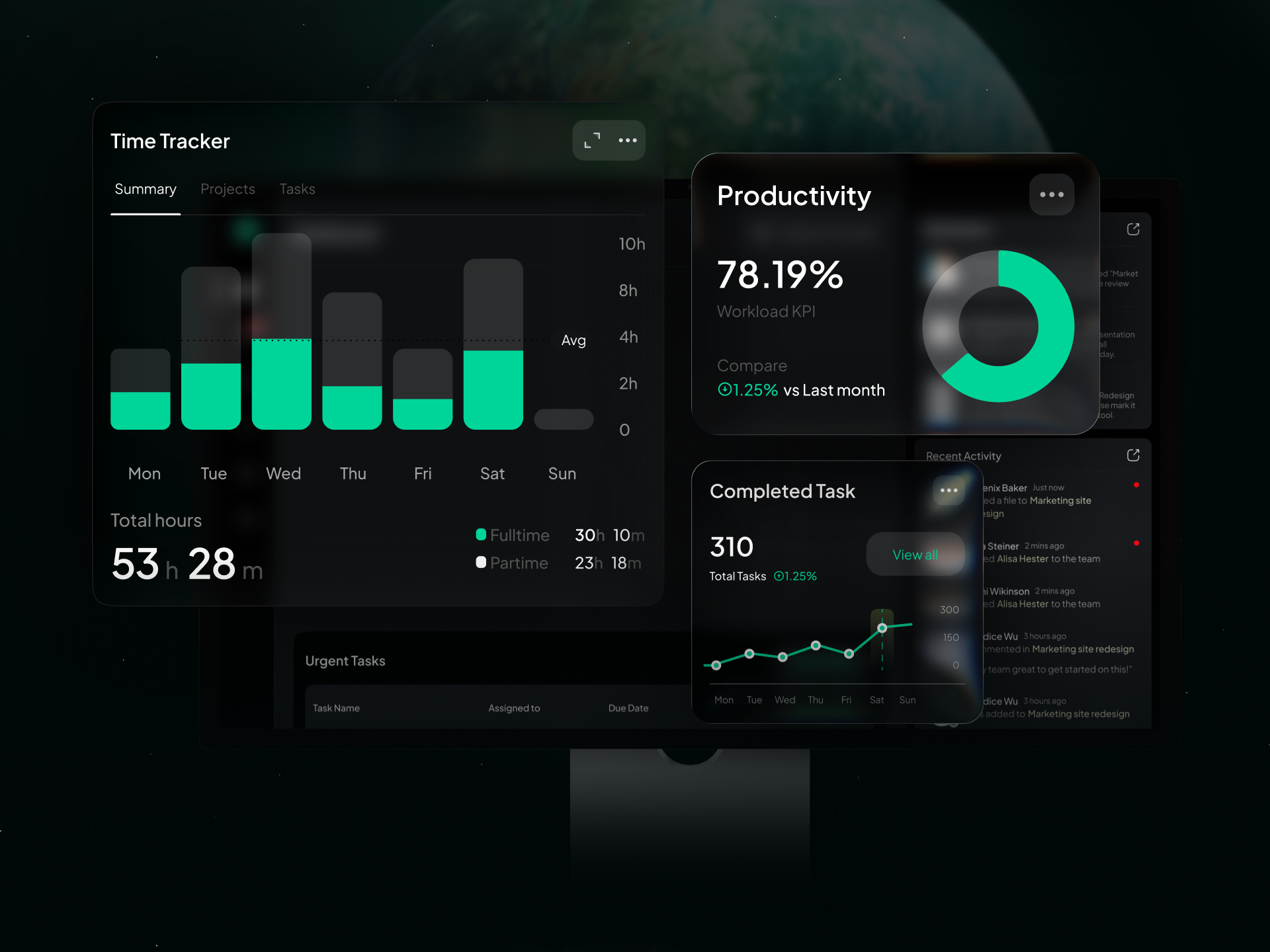
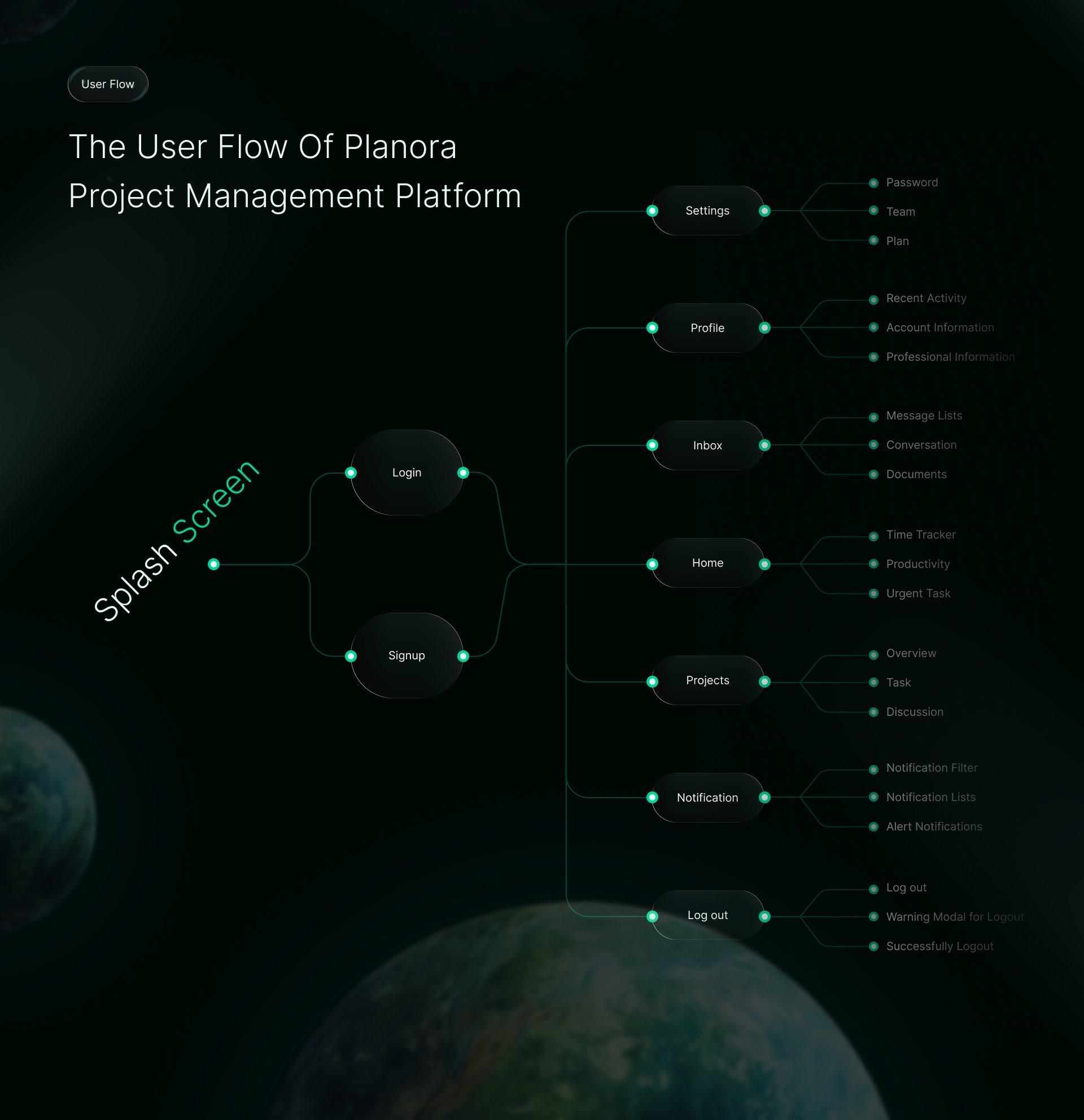
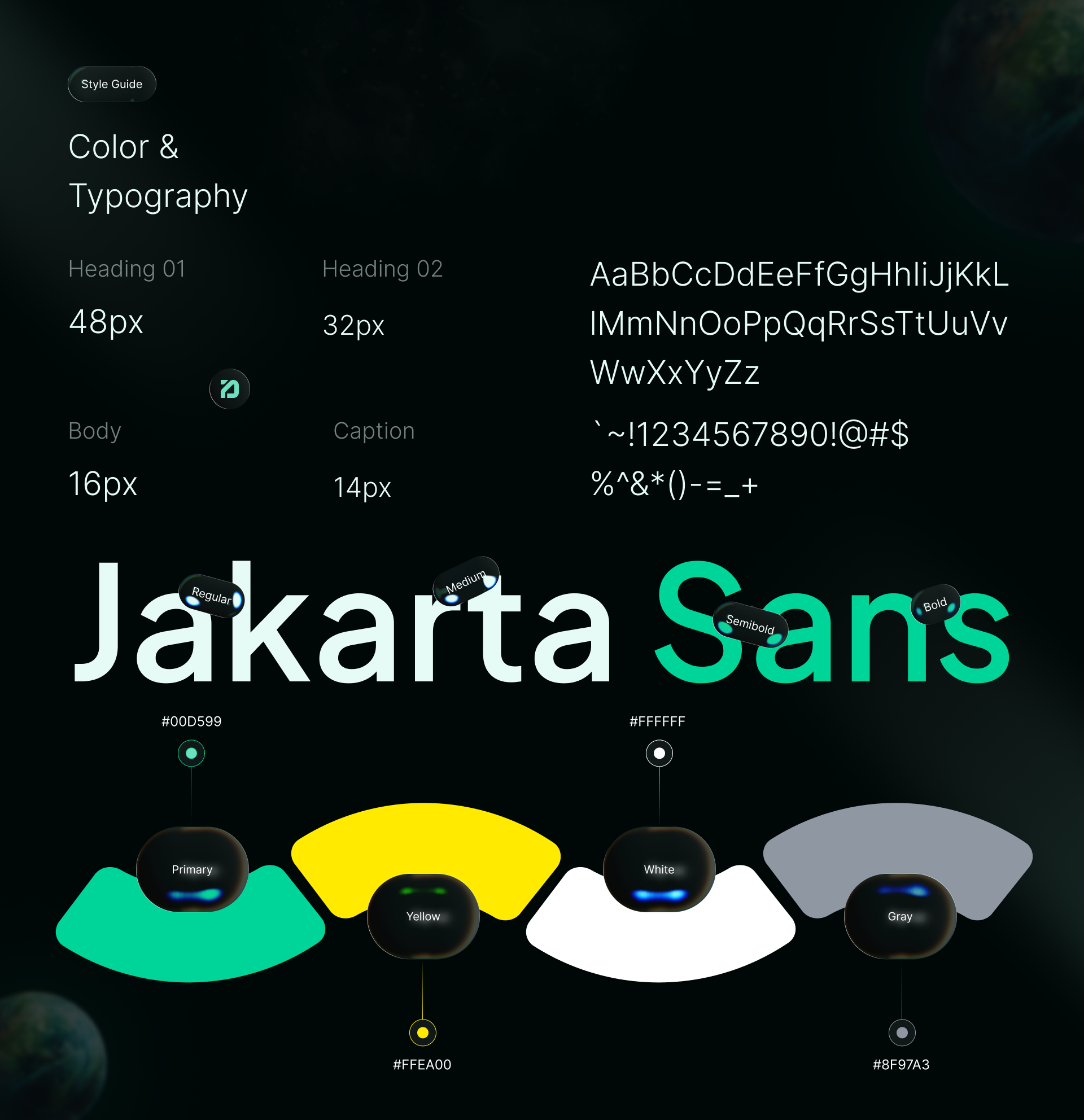
We organized the dashboard around one question: what needs attention today. Overdue tasks, blocked work, and team capacity sit in the first view, and every widget opens into the detail behind it instead of sending people to another page. Each role gets the view it needs: a manager sees workload across the team, a contributor sees their own queue. A modular component set lets new features slot in without redesigning the screen.
If your team spends the first hour of the day working out what is late, that is the problem this dashboard removes. Building a productivity or SaaS product? Start a project with Mound Studio.

.avif)



.png)







