








.avif)
.avif)
.avif)


Product
How Much Does UI/UX Design Cost in 2026? What Actually Drives the Price
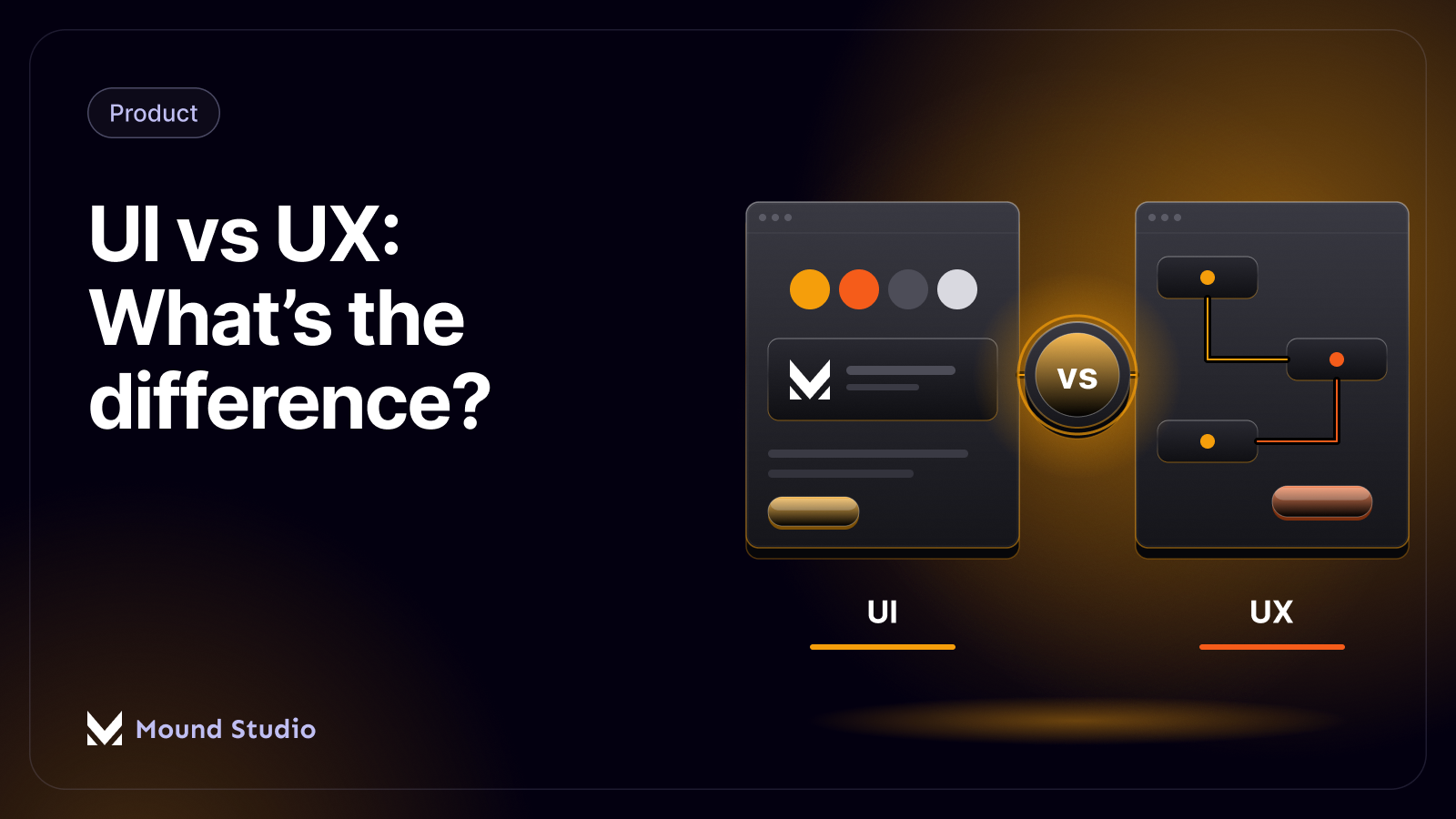
Ask ten people what the difference between UI and UX is and you will get ten different answers. The confusion is fair. On a real project the two happen side by side, and one designer often does both. Job titles blur it further.
Still, they solve different problems, and knowing which one you are missing saves time and money. This guide explains each in plain words, shows how they fit together with a worked example, and helps you decide which one your product needs first.
UX design is about how a product works for the person using it: the steps, the structure, and how easily someone gets what they came for. UI design is about how the product looks and responds: layout, typography, color, buttons, and motion. UX decides what should happen. UI decides how it appears while it happens.
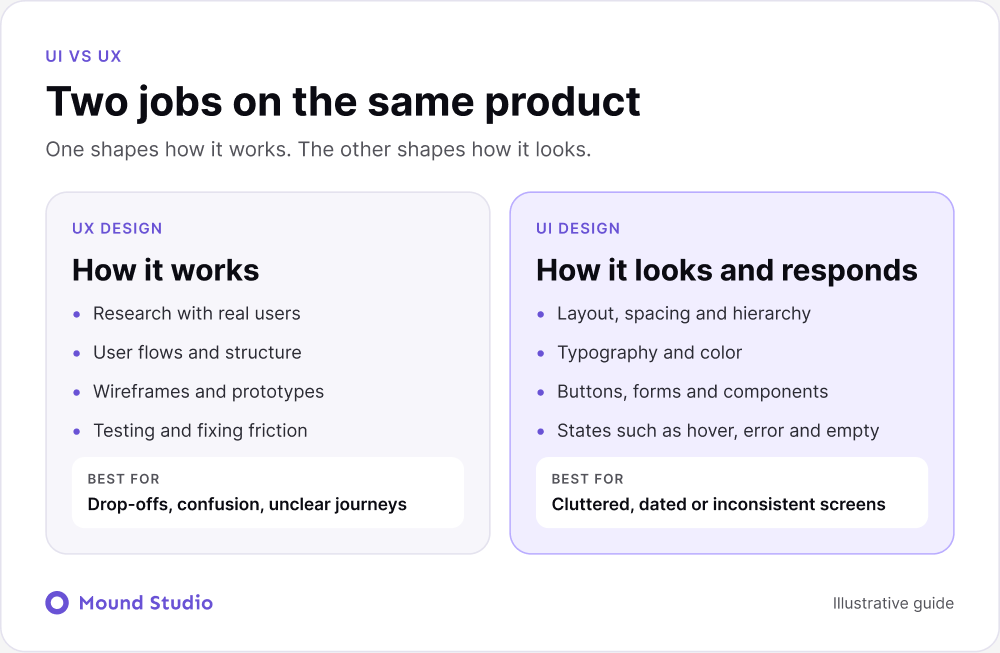
User experience design starts with people. Who is using this product, what are they trying to do, and what gets in their way? UX work includes:
A UX problem sounds like this: "People sign up but never finish setting up their account." The cause is usually a confusing step, too many choices, or a missing explanation. No amount of color changes will fix it.
User interface design covers everything a person sees and touches. It turns the structure from UX into a real screen. UI work includes:
A UI problem sounds like this: "The page feels cluttered and I cannot tell which button matters." The flow might be perfectly sound, but the screen is hard to read. If you want to see how a design system keeps UI consistent, read what a design system is.
The line between the two is clearest on paper and blurriest on a live project. Research tells us a user needs to compare two plans before choosing one. That is a UX finding. Deciding that the plans sit in two equal columns, with the price in large type and the differences highlighted, is a UI choice that serves the finding.
This is why we like to keep both skills in one conversation. When the person shaping the flow can see the screens early, they spot problems sooner. When the person shaping the screens understands why a step exists, they stop adding decoration that gets in its way.
A few places where the two overlap all the time:
Think of ordering coffee in an app. UX is how many taps it takes to reorder your usual, whether the app remembers your last choice, and what happens if the payment fails. UI is how the menu looks, how clear the order button is, and how the confirmation screen reads. A pretty app that needs eight taps to reorder has a UX problem. A quick app with tiny gray text has a UI problem.

| Area | UX design | UI design |
|---|---|---|
| Focus | The whole journey | The interface at each step |
| Key question | Does this make sense and help? | Is this clear, consistent, and easy to read? |
| Typical work | Research, flows, wireframes, testing | Visual design, components, style guides |
| Deliverables | Findings, flows, prototypes | High-fidelity screens, component library |
| Timing | Starts first | Shapes the result, then feeds back |
In practice they keep feeding each other until launch. A visual choice can expose a flow problem, and a flow change can force a new layout.
Think of a house. UX is the floor plan: where the rooms are, how you move between them, and whether the kitchen is near the dining room. UI is the finish: paint, lighting, and furniture. A beautiful house with a bad floor plan is annoying to live in. A good floor plan with bare walls works, but it does not feel finished.
The same goes for products. Strong UX with weak UI feels unpolished and can lose trust. Strong UI with weak UX looks good in a screenshot and frustrates people in daily use.

Here is a typical case we see. A software product has a signup form with nine fields, a plain gray button, and a confirmation email that arrives with no clear next step. People start the form and many do not finish. The team assumes the page looks dated and asks for a visual refresh.
We would list what people actually struggle with. Some stop at the long form, which is a UX problem. Some cannot tell the button is clickable, which is a UI problem. Some finish signing up and then never return because the confirmation email gives no direction, which is UX again.
The first change is to cut the form to the fields needed to create an account. Everything else moves to a later step, after the person has seen some value. Then we clarify the order of the steps and rewrite the confirmation message so it says what to do next.
Only then do we work on the look. The button gets clear contrast and a label that says what happens when it is pressed. Error messages sit next to the field they refer to. Spacing and type size make the form easy to scan.
We would put the new version in front of a few real people and watch. If they still hesitate, we go back to the flow or the screen, whichever the hesitation points to. A visual refresh alone would have left the nine fields in place.
If you are not sure, a UX audit is a good first step. It shows where people struggle before you decide what to redesign.
| What you hear | Likely cause | First fix |
|---|---|---|
| "I could not find the setting." | UX: structure | Rework navigation and labels |
| "I did not know what to click." | UI: hierarchy | Make the main action stand out |
| "Too many steps to check out." | UX: flow | Cut steps and fields |
| "The text is hard to read." | UI: typography | Improve size, contrast, and spacing |
| "I never finished signing up." | UX: friction | Test the flow with real users |
| "It looks different on every page." | UI: consistency | Build a design system |
You do not need a full audit to get a first read. Try this on your own product with a colleague who has not used it much.
Five or so sessions like this will show you patterns. When the same note appears twice, treat it as real. If you want a fuller method, our guide to running a UX audit covers it step by step.
For a small product or a marketing site, one designer who does both is often enough. For a larger product with many user types, a team that includes research, UX, and UI specialists works better. If you are not sure, describe the problem you see and ask a designer which part it belongs to. To plan your budget, see how much UI/UX design costs.
On most projects the order looks like this. Research and structure come first, so the team agrees on who the product is for and what it needs to do. Wireframes follow, to test layout and priority without the distraction of color. Then visual design turns the wireframes into full screens, and a design system keeps those screens consistent as the product grows.
If you are unsure how these stages differ, read our explanation of wireframes, mockups, and prototypes. Each one answers a different question, and using the wrong one at the wrong time is a common source of wasted effort.
Keep in mind that the stages loop. A tester might struggle with a screen that looks fine, and that sends the team back to the wireframe. This is normal. It is far cheaper to fix a flow at the wireframe stage than after developers have built it.
Most of them come from the same habit: jumping to the part of the work that is easiest to see. Screens are easy to show in a meeting. A user flow or a set of research notes is harder to get excited about, so teams rush past it.
The fix is simple to say and harder to do. Ask what problem each design decision solves, and for whom. If nobody can answer, the decision is probably decoration. If the answer is clear, the visual choice tends to be easy to make and easy to defend.
It also helps to name one person on your side who owns the outcome for users. Without that person, feedback arrives from everyone at once, and the design drifts toward whatever the loudest opinion prefers.
UX is how a product works. UI is how it looks and responds. You need both, and they work best when the same team thinks about them together.
Not sure where your product falls short? Tell us what you are seeing and we will help you work out whether it is a UX problem, a UI problem, or both.
Neither works alone. UX decides whether people can finish what they came to do. UI decides whether the product feels clear and trustworthy while they do it.
Yes. Many designers work across both, especially on smaller products. On larger products the roles often split so each gets more depth.
UX comes first. You map the flows and structure before you decide how anything looks, though the two keep informing each other.
Yes. A website needs a clear structure and journey, and it needs a visual design that makes that journey easy to follow.
If people are confused about what to do or where to go, it is usually UX. If the screens feel cluttered, hard to read, or inconsistent, it is usually UI.


.png)


