








.avif)
.avif)
.avif)

Website
Website Redesign Checklist for 2026: What to Do Before, During, and After
Plenty of beautiful websites bring in very few enquiries. The design is polished, the brand is consistent, and yet visitors leave without doing anything. The reason is usually not taste. It is that the page never made the next step obvious, never proved its claims, or asked for too much too soon.
Conversion design is the work of removing those gaps. This guide gives you ten practical tips we use on service and SaaS websites, with a page structure to follow, a table for prioritising fixes, and a checklist you can run today. We do not quote conversion percentages here, because they vary by industry, traffic, and offer. What holds across all of them is the logic below.
A website converts when a visitor takes the action you want, such as booking a call, sending an enquiry, starting a trial, or buying. Conversion design means arranging the page so that action feels clear, safe, and easy. It combines message, structure, proof, and usability. Visual polish helps, but it cannot rescue an unclear offer.
Make the offer clear in the first screen, give visitors one main action, show proof close to your claims, remove friction from forms and navigation, and make the site fast on a phone. Then test one change at a time. Most gains come from clarity, not decoration.
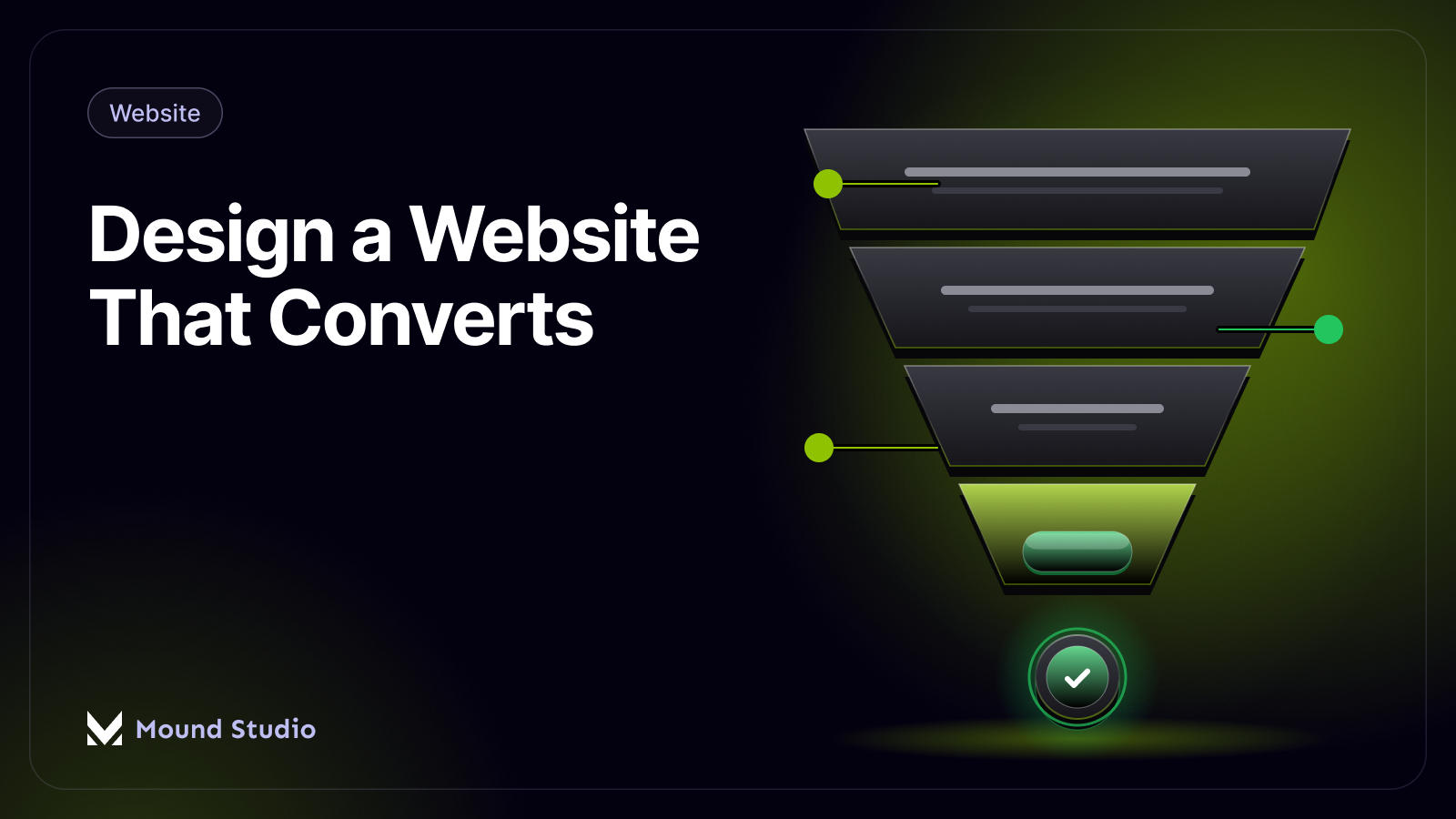
Think of a page as a conversation. Each block answers the next question in the visitor's mind. If you get the order right, the page persuades without pushing.

Your headline has a few seconds to answer three questions: what is this, who is it for, and why should I care? Avoid vague lines about solutions and passion. Say what the visitor gets. A clear headline and a short supporting sentence will do more than any hero image.
Decide what a visitor should do on this page and make that action the loudest thing on it. Everything else is secondary. A page with five equally weighted buttons asks the visitor to do the deciding, and many will simply leave.
Words like Submit and Click here tell people nothing. Try Book a free call, Get a quote, or See pricing. The label should match the promise on the page and set the right expectation for what follows.
Match the label to the stage of the visitor's decision. Early on, use low-commitment words such as See how it works or View pricing. Once trust is built, use direct labels such as Book a free call or Get a quote. Avoid labels that sound like work, such as Submit or Register. Keep them short, and use the same wording each time the same action appears, so visitors learn what the button does.
Claims are easy to make and easy to doubt. Place client logos, short quotes, case studies, or a real result right beside the claim they support. Proof buried at the bottom of the page arrives after the visitor has already decided.
Most visitors skim first. Use clear headings, short paragraphs, and enough space so each section has one job. If someone reads only the headings, they should still understand your offer.
Visitors worry about cost, time, risk, and what happens after they get in touch. Address these openly. A short FAQ, a simple explanation of your process, and honest guidance on pricing all reduce doubt. If you can, explain what happens after someone fills in the form.
Every extra field is another reason to stop. Ask only what you need to reply well, usually a name, an email, and a short message. You can collect the rest in the first conversation. Say clearly when they will hear back.
Skip fields that feel like a sales qualification, such as budget ranges and company size, unless you truly cannot respond without them. Add one line under the button that says when they will hear back and who from.
A large share of visits happen on a phone, so buttons need to be easy to tap, text easy to read, and forms easy to fill in. Check the mobile version of every key page, not just the desktop layout.
Slow pages lose people before they read a word. Compress images, limit heavy scripts, and avoid autoplay media above the fold. Speed is a design decision as much as a technical one. Our guide to Webflow site speed optimization shows the checks we run.
Look at where visitors drop off, form starts versus form sends, and which pages lead to enquiries. Change one thing, wait long enough to see the effect, and then decide. Changing five things at once tells you nothing about which one worked.
Imagine a page for a consultancy that offers a fixed-scope audit. A weak version opens with a stock photo and the line Solutions for modern businesses. It has a menu of eight links, three different buttons, and a long form at the bottom. A stronger version opens with a headline such as Find out what is stopping your site from winning enquiries, one supporting sentence, and a single button labelled Book an audit call.
Directly under the button sit two client logos and a short quote. Below that, a four step outline explains what happens after booking. A short FAQ deals with price, timing, and what the client needs to prepare. The page closes with the same button and a form that asks for a name, an email, and one line about the site. Nothing in that version is clever. Every block simply answers the next question a visitor would ask.
People do not fully trust a page they have just met. Small signals lower that guard: real names and faces, specific descriptions of past work, visible contact details, a clear process, and a privacy note beside the form. Generic badges and vague praise do the opposite. They read as decoration. Use specific, believable proof, and place it where the visitor is about to make a decision, such as beside the button or the form.
Every business starts somewhere. If you cannot show client work, use proof that is honest and specific.
Never invent testimonials or numbers. Visitors can usually tell, and one doubtful claim weakens everything around it.
You do not need to do everything at once. Start with changes that are cheap and likely to matter, and leave decorative work for later.

| Fix | Effort | Why it matters |
|---|---|---|
| Rewrite the headline and button label | Low | Clarity is the first thing visitors judge |
| Shorten the form | Low | Fewer fields mean fewer reasons to leave |
| Move proof next to claims | Low to medium | Trust arrives while the visitor is deciding |
| Rebuild the page around one goal | High | Removes competing choices and gives focus |
| Add decorative effects | Medium to high | Useful once the basics already work |
Compare the two pages below. The unfocused page is usually not ugly. It is simply undecided about what it wants the visitor to do.

They are easy to miss from the inside. Your team already knows what you offer, so a vague headline reads as fine. Everyone has a favorite section, so nobody wants to cut it. The fastest cure is a fresh pair of eyes: ask someone outside the company to look at the page for ten seconds, then tell you what it offers and what they would click. If their answer is not the one you wanted, you have found your first fix. For pages built specifically for software products, our guide to SaaS landing page design applies the same ideas to that setting.
Conversion depends on both, and they need to be planned together. Layout decides what is seen first. Copy decides what is understood. A strong design with weak words feels empty, and strong words in a cluttered layout get missed. On our projects we draft the key messages before the visual design, so the layout is built around real content and not around placeholder text.
Pick one clear outcome per page, such as enquiries sent or calls booked, and track it before you change anything. Then note what you changed and when. Compare like with like: the same traffic sources, over a similar length of time. Watch the steps in between, too. If many people start the form but few finish it, the form is the problem. If few reach the form at all, the page above it is.
Do not chase small swings over a few days. Traffic moves for many reasons. Look for a steady change over a longer period, and keep a simple log so you remember what you tried.
If the problems are limited to a few pages, such as an unclear home page or a long contact form, fix those first. If the structure, message, and design all feel out of step with your business, a redesign is the better route. Our article on when to redesign your website helps you decide, and the website redesign checklist walks through the work if you go ahead. A short UX audit is also a good way to find the biggest leaks before you spend on a rebuild.
Repeat the routine on the next page. Small, steady changes add up, and each one teaches you something about your visitors.
| Question | What good looks like |
|---|---|
| Is the offer clear on the first screen? | A stranger can say what you do and for whom |
| Is there one main action? | One primary button, repeated on longer pages |
| Is proof visible? | Logos, quotes, or results sit beside key claims |
| Are objections answered? | FAQ, process, and pricing guidance are easy to find |
| Is the form short? | Only the fields needed to reply |
| Does it work on a phone? | Easy to read, tap, and complete |
| Is it fast? | Pages load quickly on a mid-range phone |
A website converts when it makes one thing clear, proves it, and makes the next step easy. Start with the headline, the main action, and the form, then work down the list. If you want a second pair of eyes on your site, get in touch with us and we will show you where visitors are getting stuck.
A clear promise, a single main action, believable proof, and low friction. If visitors understand the offer quickly, trust it, and can act in a few seconds, more of them will.
One main action per page, repeated in a few places. Secondary links are fine, but they should look quieter than the main button.
Yes. Slow pages frustrate visitors before they read anything. Compress images, limit heavy scripts, and test on a phone.
As short as you can get away with. Ask only what you need to reply well, and collect the rest in the first conversation.
If the problems sit on a few key pages, fix those first. If the structure, message, and design are all out of step with your business, a redesign is the better route.

.png)


