








.avif)
.avif)
.avif)


Branding
8 Brand Identity Elements Every Business Needs
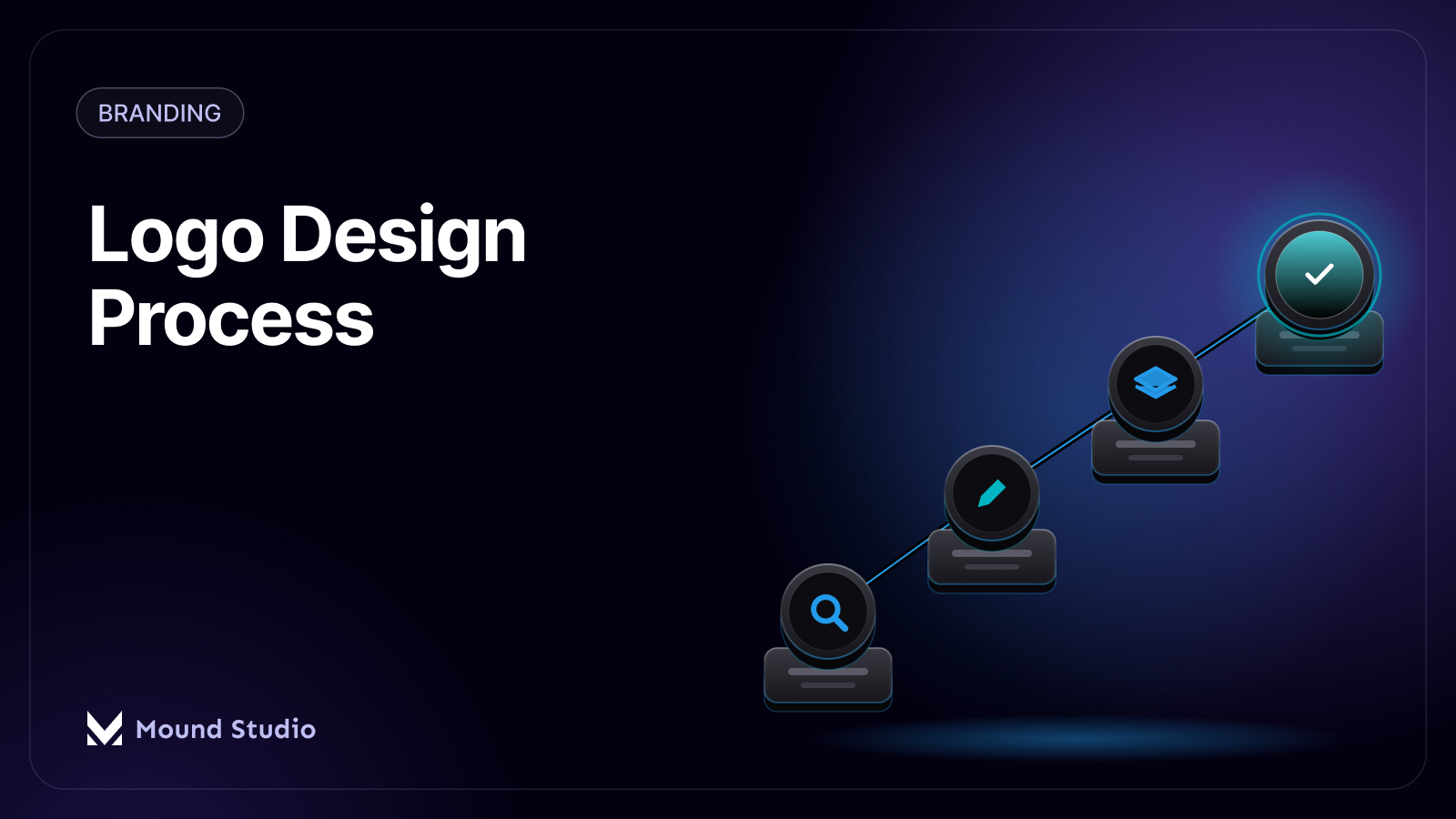
A logo design process moves through five stages: research, sketching, digital exploration, refinement, and final delivery. Research comes first because a mark that looks good but says nothing about the business fails its one job. Sketching and digital exploration generate and narrow down real options. Refinement tightens the winning direction against feedback, and delivery hands over a complete set of files built for web, print, and social use, not just one PNG.
The short answer: a logo is not one drawing, it is a small system of decisions about shape, color, and type, tested against how the mark will actually be used, then packaged into the file formats a client needs. Skip any one of those stages and the mark usually shows it later, at the worst possible size or on the worst possible background.
This matters because a logo rarely lives in just one place. The same mark has to sit in a browser tab, a social avatar, the header of a website, the corner of an invoice, and sometimes on a physical product or a sign. A process that only ever tests the logo at one size, on one background, in one file format, is quietly setting up problems that only show up after launch, when fixing them costs more than catching them would have during refinement.
Sketching without research is guessing with a pencil. Before we draw anything, we look at three things: who the logo needs to speak to, who else is already speaking to them, and where the brand wants to sit next to its competitors.
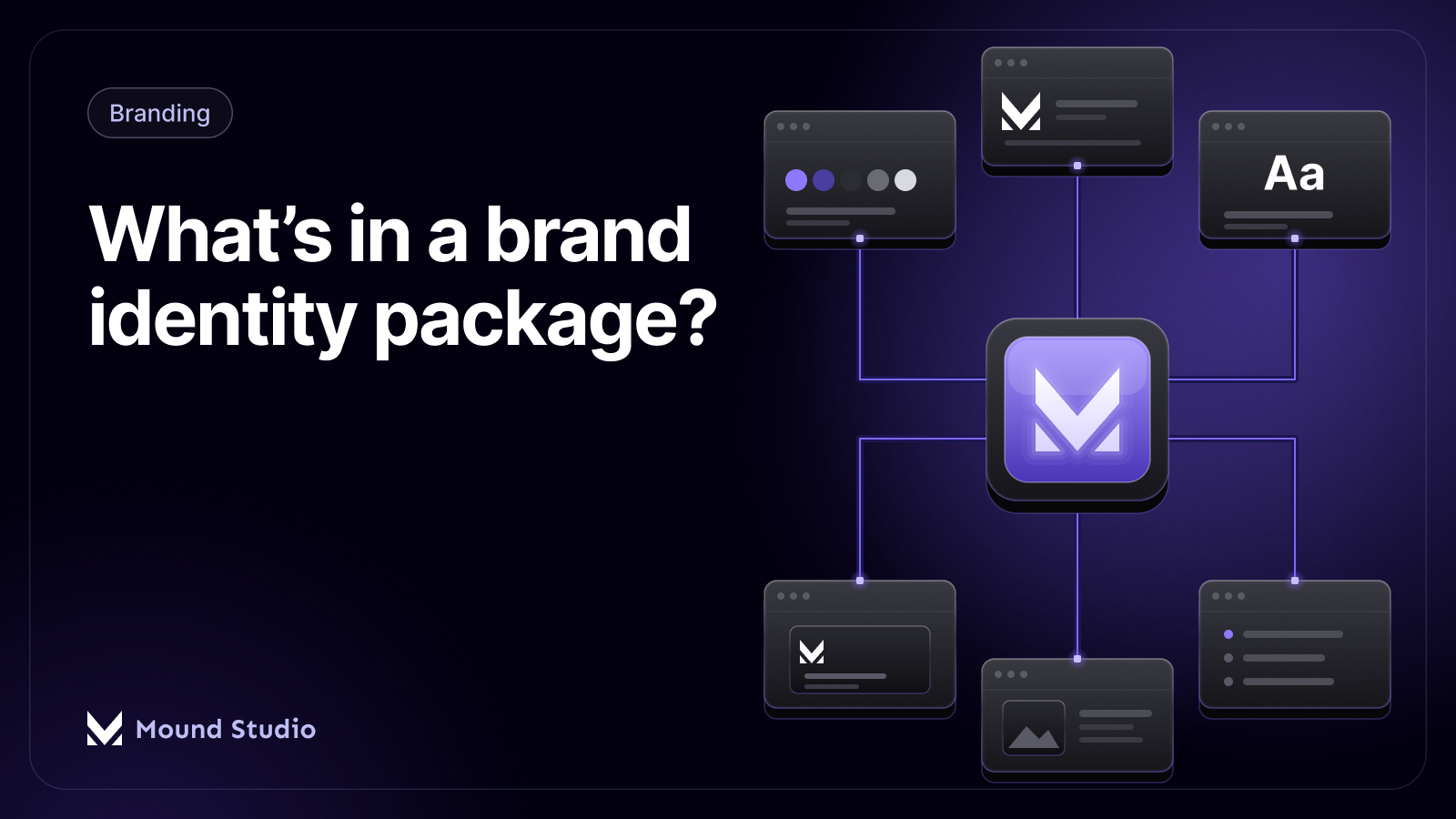
Audience research asks who actually buys, uses, or refers the product, and what tone they respond to. A children's brand and a law firm need different visual language even if both want to feel "trustworthy." Competitor research maps what everyone else in the category already looks like, so the new mark does not accidentally land on a shape, color, or style a rival already owns. Positioning ties the two together: is this brand the premium option, the approachable one, the technical one? That answer shapes almost every design decision that follows, long before a single curve gets drawn. This groundwork also feeds the rest of the identity, not just the mark itself — see our breakdown of brand identity elements for how a logo fits into the wider system.
A short research phase does not need to be a long report. It needs to answer three questions clearly enough that everyone on the project agrees on them before sketching starts: who is this for, what does the category already look like, and what should this brand feel like that others don't.
This is also where a client's own instincts get gathered and written down, so they can be checked against later rather than argued about in the moment. A founder often already has a sense of what the brand should feel like; the job of research is to turn that feeling into something specific enough to sketch toward, instead of a vague mood that every direction can be measured against and none can clearly satisfy.

Once the research questions have answers, sketching starts. This stage is intentionally rough and intentionally fast.
Pencil sketching stays cheap. A designer can rule out a weak idea in seconds on paper, where the same idea in a polished vector file might take an hour to build and another hour to convince anyone it is worth discarding. The goal at this stage is volume and range: several clearly different concepts, not ten variations on the same one. Some will be wordmarks, some will lean on a symbol, some will pair the two. Nothing here needs to be pretty. It needs to be different enough from its neighbors to test a real idea.
The sketches that hold up get redrawn as clean vector shapes. This is where a rough pencil curve becomes a precise, adjustable path, and where it becomes obvious whether an idea that worked at sketch size still works cleanly at other sizes. A handful of the strongest sketches, not all of them, usually make it to this stage. Digital exploration also strips out anything that only worked because of hand-drawn imperfection; a shape has to hold its own once every line is exact.
Most studios present a small number of clearly distinct directions, not a wall of near-identical options. Showing too many choices does not give a client more control, it just makes the decision harder and slower, because the differences between a dozen similar marks are hard to judge side by side.
Narrowing works best against the positioning decided during research. A direction either fits what the brand needs to say, or it doesn't, regardless of how much anyone personally likes a shape. Client instinct matters too, but instinct paired with a clear reason ("this feels more premium, and that matches what we agreed on") narrows faster and more confidently than instinct alone.
Once one direction is chosen, refinement is where the real craft happens: spacing between letters, the weight of a stroke, how a symbol sits against the wordmark next to it, whether a curve reads clean at a small size. Feedback at this stage works best when it names what feels off, not what color it should be — "this feels heavy" is more useful early than "make the blue brighter," because the underlying shape usually needs solving before color enters the conversation. A few focused rounds beat many small ones; each round should resolve a specific note, not reopen the whole design.
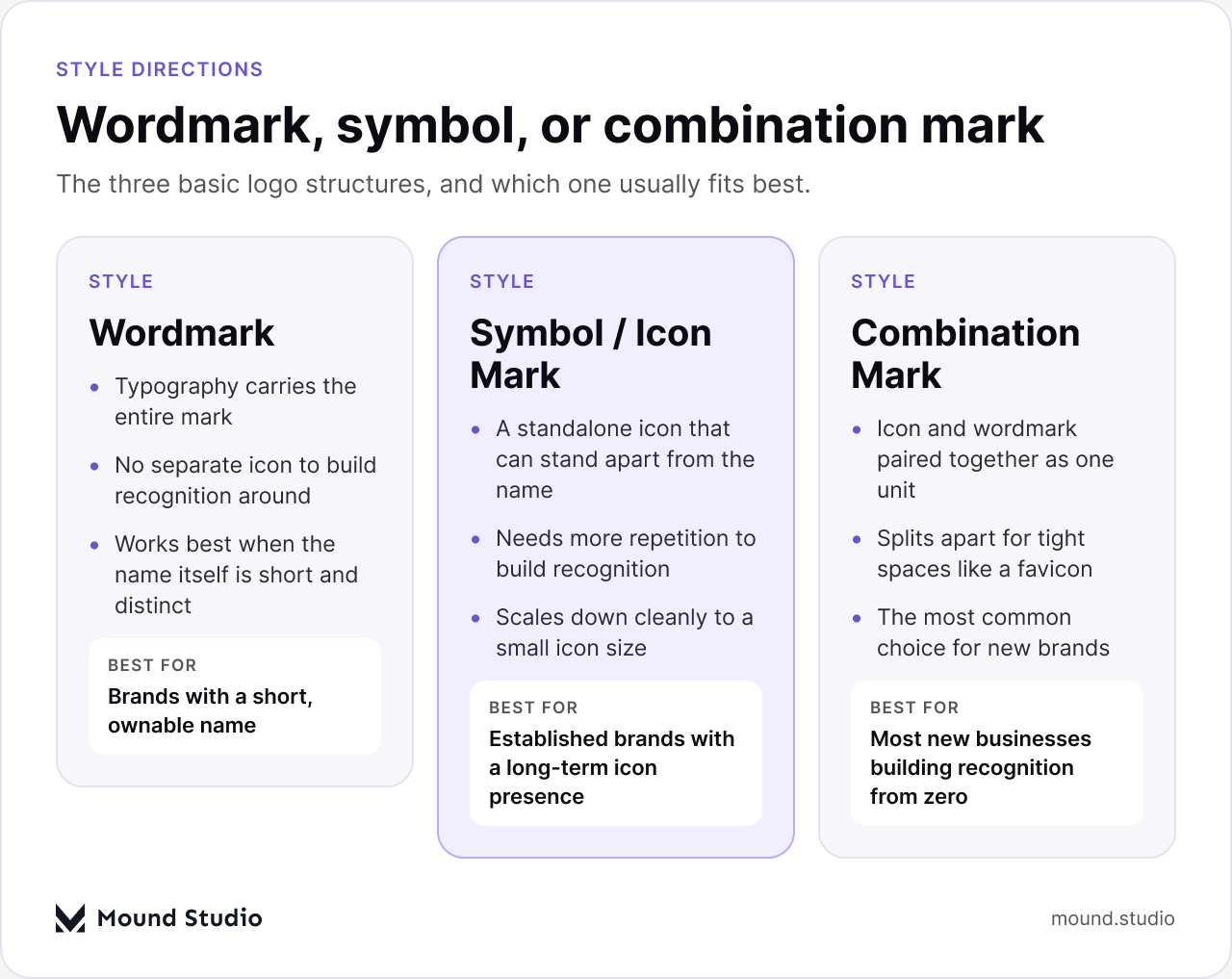
The direction a logo takes usually falls into one of three structures, and each one suits a different situation.
| Style | Strengths | Best for |
|---|---|---|
| Wordmark | Name and brand are the same thing; no icon to build recognition around | A short, distinct, ownable name |
| Symbol / icon mark | Scales down cleanly; works alone once recognized | Established brands with a long runway to build icon recognition |
| Combination mark | Icon and wordmark split apart for tight spaces like a favicon | Most new businesses building recognition from a standing start |
A combination mark is the common default for a new brand because it gives the most flexibility early on: the full lockup for a website header, the icon alone for an app or a social avatar, and the wordmark alone for a document footer. A pure symbol mark asks a lot of a brand-new business, since nobody recognizes the shape yet. A pure wordmark asks the type itself to carry the entire impression, which only works when the name is short and distinctive enough to hold that weight.
Color and type get locked only after the shape is settled, not before. Choosing a palette too early tends to anchor decisions around a color instead of around whether the mark actually works. Once the shape holds up in black and white, color gets tested for how it reads at small sizes, on different backgrounds, and next to competitors' palettes, since two similarly-colored competitors in the same category get confused for each other constantly. Our guide on how to choose brand colors goes deeper into that process.
Typography pairing follows a similar rule: the wordmark's custom lettering (if any) needs a companion typeface for everything the logo itself doesn't cover — headings, body copy, buttons. The two need to feel related without being identical, and the supporting typeface needs to actually be licensed for the client's use across web and print, not just borrowed for the pitch deck.
It helps to test the pairing in context rather than in isolation: a typeface that looks sharp as a single headline can behave differently once it's set as a paragraph of body copy, or shrunk down into a button label. Checking the logo, the heading type, and the body type together on an actual page layout catches mismatches that are easy to miss when each element is judged on its own.
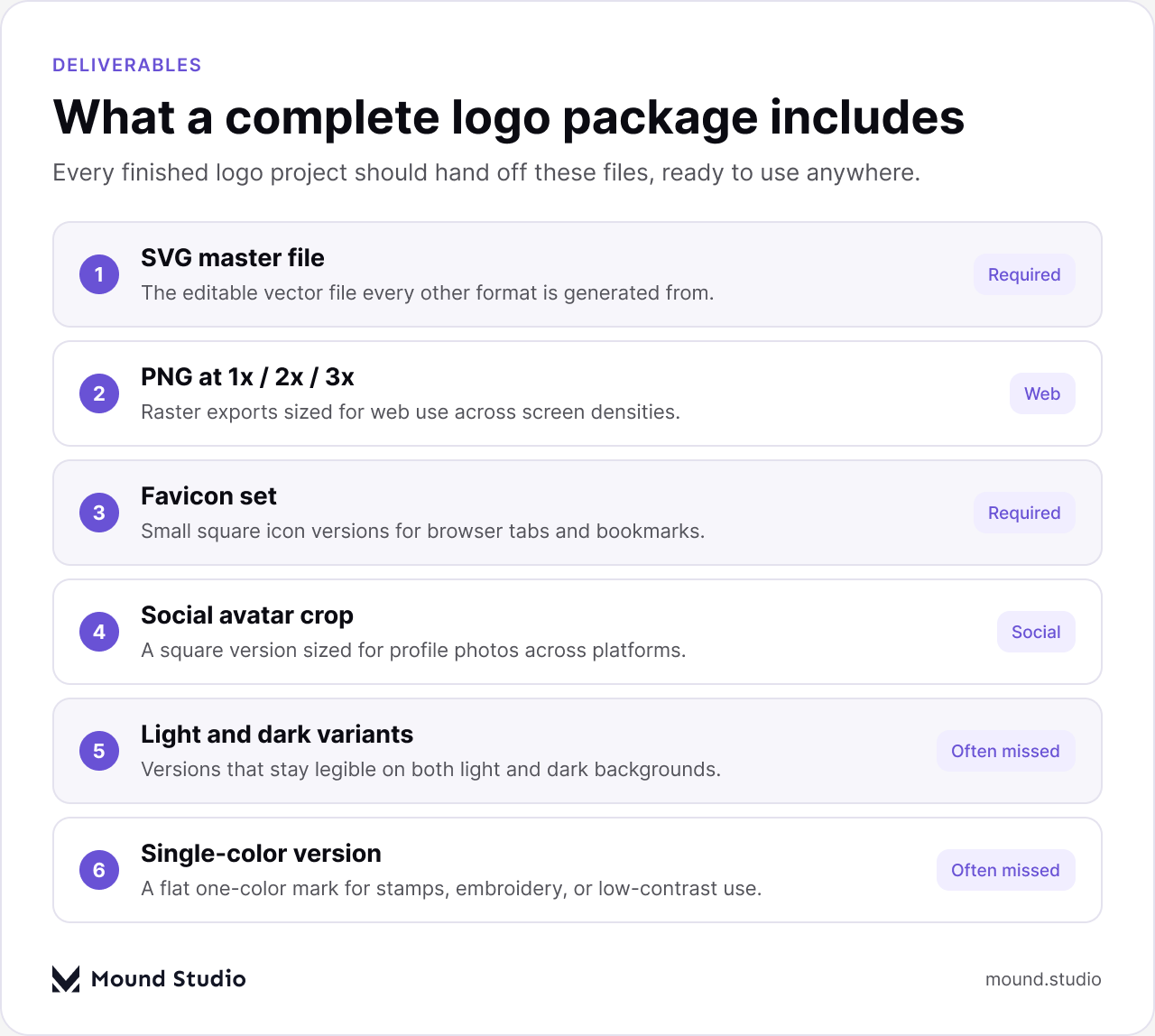
A finished logo is not one exported PNG. It's a set of files built so the client never has to come back and ask for a format they didn't get the first time. For a full picture of everything that ships alongside the mark itself, see what's typically included in a brand identity package.
| Format | Typical use | When it's needed |
|---|---|---|
| Vector master (AI/EPS/SVG) | The editable source every other file is generated from | Always — this is the file that should never get lost |
| SVG | Web use at any size without quality loss | Any website, app, or digital product |
| PNG (multiple sizes) | Raster use where vector isn't supported | Presentations, documents, some app placements |
| Favicon set | Browser tab and bookmark icon | Any live website |
| Social avatar crop | Square version sized for profile photos | Any active social account |
| Single-color / reversed version | Flat use on stamps, embroidery, or busy backgrounds | Merchandise, print, or low-contrast placements |
Light and dark variants matter as much as the formats themselves. A mark designed only against a white background can go unreadable the moment it lands on a dark app theme, a dark social banner, or a photo background — which is common enough now that skipping it counts as an unfinished job, not an edge case.
None of these exports matter much if the vector master file itself is hard to find or unclear a year later. A well-organized handoff names layers and artboards clearly, separates the different color and background variants instead of burying them in one messy file, and labels which version is current. A client should be able to open the master file without needing to ask which layer is the real one.
A logo that survives contact with the real world is the product of a process, not a single flash of inspiration: research that grounds the direction, sketches and digital exploration that widen the options, refinement that earns the final shape, and a delivery package built for every size and background the mark will actually meet. If you're starting a logo project and want the research, the options, and the full file package handled properly from the start, tell us about your brand.
It depends on how many rounds of feedback a project needs, but the process itself always moves through the same stages: research, sketching, digital exploration, refinement, and delivery. Skipping stages to save time is the most common reason a project ends up running long overall, since problems caught early are far cheaper to fix than ones caught after launch.
At minimum, a vector master file, an SVG, PNG exports at multiple sizes, a favicon set, a social avatar crop, and single-color and reversed variants. The vector master file matters most, since every other format is generated from it.
Yes, if the logo will ever appear on a dark background — a dark app theme, a dark social banner, or a photo. Most brands run into this quickly, so testing both light and dark backgrounds during refinement avoids a redesign later.
A combination mark is the most flexible starting point for a new brand, since it splits apart into an icon-only or wordmark-only version depending on the space. A wordmark suits a short, distinctive name, and a symbol mark works best for a brand with room to build recognition around an icon alone.
Skipping research and jumping straight to sketching. Without knowing the audience, competitors, and positioning, a mark can look fine on its own and still fail the moment it sits next to everything else in the category.


.png)


