








.avif)
.avif)
.avif)

Ai
AI in UX Design: How Designers Use AI in 2026

AI website builders have become impressive. Describe your business in a sentence and you get a complete-looking site with sections, copy, and images in a few minutes. Many website platforms now include AI generation, and new tools appear every month.
So founders reasonably ask why they should pay for a custom website when AI can make one for almost nothing. The fair answer is that it depends on the job the website has to do. A site that only needs to exist is a different project from a site that has to win customers. This guide helps you tell which one you are building, and what to do about it.
Use an AI website builder when you need something live fast, you are testing an idea, the budget is very small, and a template-like result is acceptable. Choose custom design when the website is a main sales channel, your brand has to stand out, search traffic matters, or you need a CMS and features that will grow with you. Many teams combine both: AI tools for speed inside a process where people make the decisions.

They are good at removing the blank page. If the goal is a working draft, they deliver quickly.
The quality of a generated site depends heavily on what you tell the tool. A one line description gives you a generic result. A short, specific brief gives you something you can actually work with.
Even with a strong brief, treat the output as a draft. The tool can arrange sections quickly, but it cannot know which claim your customers care about most. That judgment is still yours.
AI builders assemble layouts from patterns they have seen many times. The result often looks polished but similar to thousands of other sites. When your competitors use the same tools, sameness becomes a real cost, because visitors cannot tell you apart.
Generated copy sounds fluent, but it does not know your customers, your competitors, or why people choose you. Clear positioning and persuasive messaging still come from research and decisions a tool cannot make for you. Fluent copy that says nothing specific is easy to produce and hard to spot.
A generated site may have weak heading structure, thin pages, duplicate descriptions, or no plan for which pages should target which searches. These are fixable, but only if someone checks. Our Webflow SEO checklist shows what to look for on any platform.
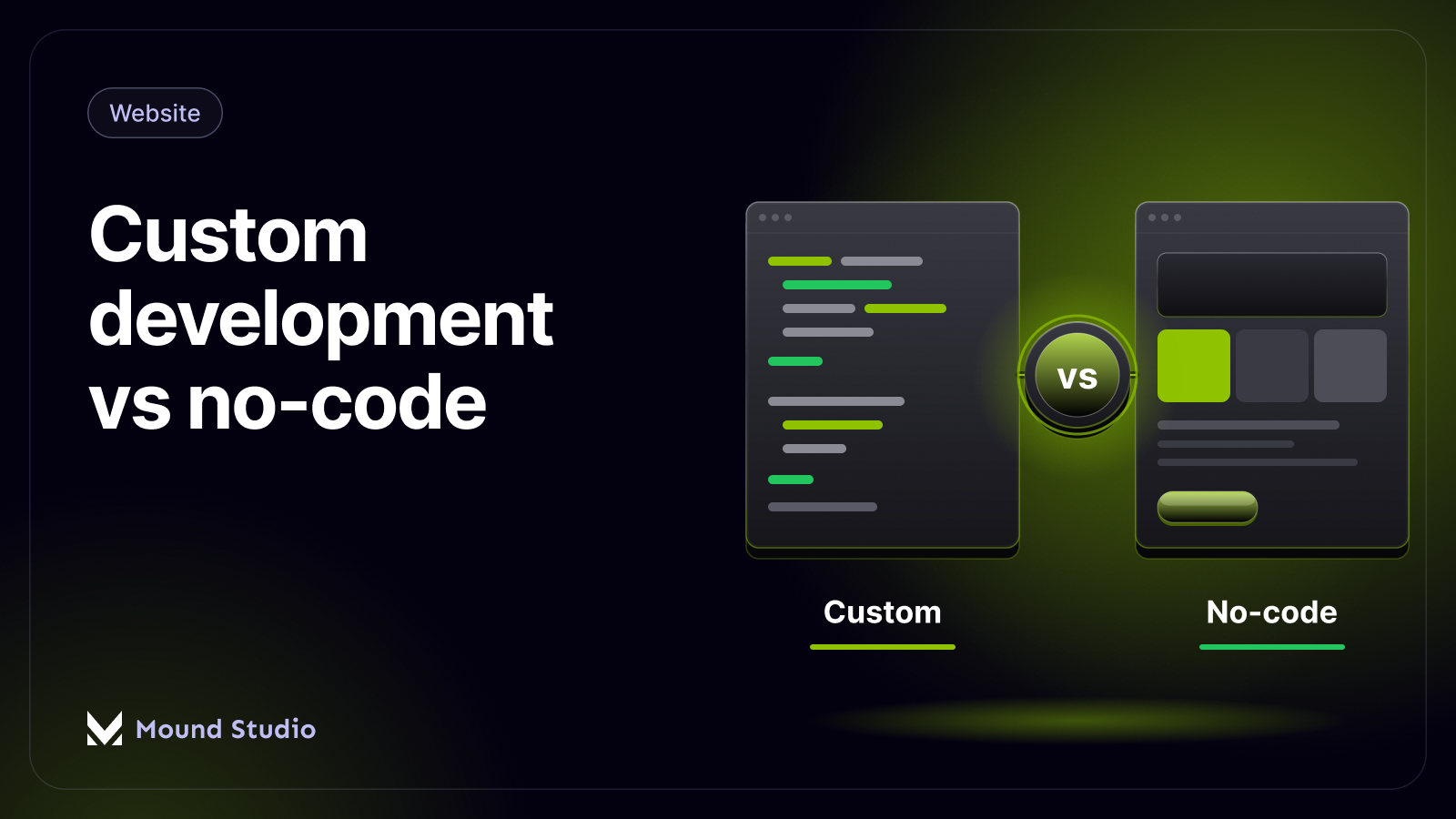
When you need a proper CMS, integrations, custom features, multiple languages, or a design system shared with your product, many builders hit a ceiling. Moving later means rebuilding and migrating content and URLs. If the platform question is open, our custom development vs no-code guide explains the trade-offs.
A custom website starts with strategy: who you are for, what they need to believe, and what they should do next. Design and content are shaped around that, then built on a platform that fits your team, such as Webflow, WordPress, or custom code. The result is a site that looks like your brand, is structured for search, and can grow with your business. Our guide on designing a website that converts explains the principles behind it.
Custom does not mean slow or heavy. It means the decisions were made for your business instead of inherited from a default. You pay for judgment, not for pixels.
The two routes feel different in practice, and knowing the difference helps you plan your time.
With an AI builder, you describe the business, review the generated draft, and edit text and images until it feels right. Most of the effort goes into fixing what the tool guessed wrong. You are the strategist, the copywriter, and the quality checker, whether you planned to be or not.
With a custom project, the early weeks go into questions rather than pages. We look at your customers, your competitors, and your goals, then agree on the pages and the message before any layout is drawn. Design, content, and build follow, with reviews at each stage. It takes longer to reach the first visible page, but the pages that arrive are already tied to a purpose.
Neither route is free of effort. The question is whether you want to spend it on fixing a draft or on shaping a plan.
If you do use a builder, do not publish the first draft. Review it the way a designer and an SEO would. The table below lists the checks we run on any generated site.
| Check | What to look for | Why it matters |
|---|---|---|
| Headings | One clear H1, then logical H2 and H3 sections | Search engines and AI assistants read structure first |
| Copy | Specific claims about your customers and offer | Generic text does not persuade or rank |
| Titles and descriptions | A unique title and description on every page | Duplicates weaken your search snippets |
| Images | Real photos or brand visuals with alt text | Stock-looking images reduce trust |
| Mobile layout | Check on a real phone, not just a resized window | Many first visits happen on mobile |
| Speed | Heavy images and scripts removed | Slow pages lose visitors before they read |
| Ownership | Can you export your content and connect your own domain? | You should be able to leave without starting over |
This is not always either-or. At Mound Studio we use AI tools where they save time, such as exploring layout ideas, drafting content outlines, generating placeholder content, and speeding up repetitive production work. The strategy, design decisions, final copy, and quality checks stay with people. You get the speed benefits without a generic result. Our piece on AI in UX design goes deeper on where AI helps and where it does not.

Imagine a consulting firm that needs a new website in a few weeks. We would use AI to draft several layout directions and a first content outline, then meet with the founders to decide the positioning and the pages that matter. AI helps produce variations and placeholder content while design continues. Before launch, people rewrite the copy in the firm's own voice, check the structure for search, and test on real devices. The speed comes from the tools. The quality comes from the checks.
Match the route to the role the website plays. This table gives a quick starting point.
| Project type | Better fit | Reason |
|---|---|---|
| Event or campaign page | AI builder | Short life, low risk, speed matters most |
| Idea test or early waitlist | AI builder | You are testing a message, not building a brand yet |
| Service business site | Custom or hybrid | Trust and clear positioning drive enquiries |
| SaaS marketing site | Custom or hybrid | Needs a CMS, strong structure, and room to grow |
| Content or blog-led site | Custom | Search traffic depends on structure and templates |
| Multi-language or integrated site | Custom | Builders often hit limits with complex needs |

A low monthly fee is not the whole price. Builders often charge more for custom domains, extra pages, forms, or removing the platform's branding. Your own time also counts, especially the hours spent rewriting generic copy and fixing layouts on mobile.
Custom projects have hidden costs too. Unclear scope leads to change requests, and slow feedback stretches the timeline. A short written brief and one person who can approve decisions keep both under control. If you want to see what shapes a design quote, read how much UI/UX design costs. For marketing sites in particular, SaaS website design cost breaks down the main factors.
If you are very early, it is fine to start with an AI builder to test your message and get your first customers. Just treat it as temporary. Once you know what resonates and the website starts to matter for sales, rebuild it properly, with redirects in place so you keep any search traffic you earned.

Our website redesign checklist covers the full process in more detail.
Whichever route you lean toward, a few questions bring the real needs to the surface.
If you decide to hire help, our guide to choosing a web design agency lists what to look for. If platform choice is the open question, Webflow vs WordPress is a useful next read.
AI builders are a good way to start, and custom design is the right way to build something that has to perform. The smart move is to match the route to the job, and to use AI inside a process where people still own strategy and quality. If you are weighing the two, our AI website development and web design services can help you choose, and you can get in touch to talk it through.
They can be for simple sites, early tests, and events. For websites that drive sales, need a distinct brand, or depend on search traffic, a custom design usually performs better.
AI speeds up parts of the work, such as drafts and variations, but strategy, brand decisions, persuasive messaging, and quality control still need people.
Not automatically, but they often need work on heading structure, unique content, meta descriptions, and page planning before they can compete in search.
It is worth it when the website is a key sales channel, your market is competitive, or you need a site that can grow with CMS, integrations, and custom features.
Yes. Treat it as temporary, and when you rebuild, map your URLs and set up redirects so you keep any rankings you earned.


.png)


